Branching, not overwriting: a thinking technique for AI chats
Why every conversation thread is a tree, not a line — and the small workflow change that protects the answer you almost kept.

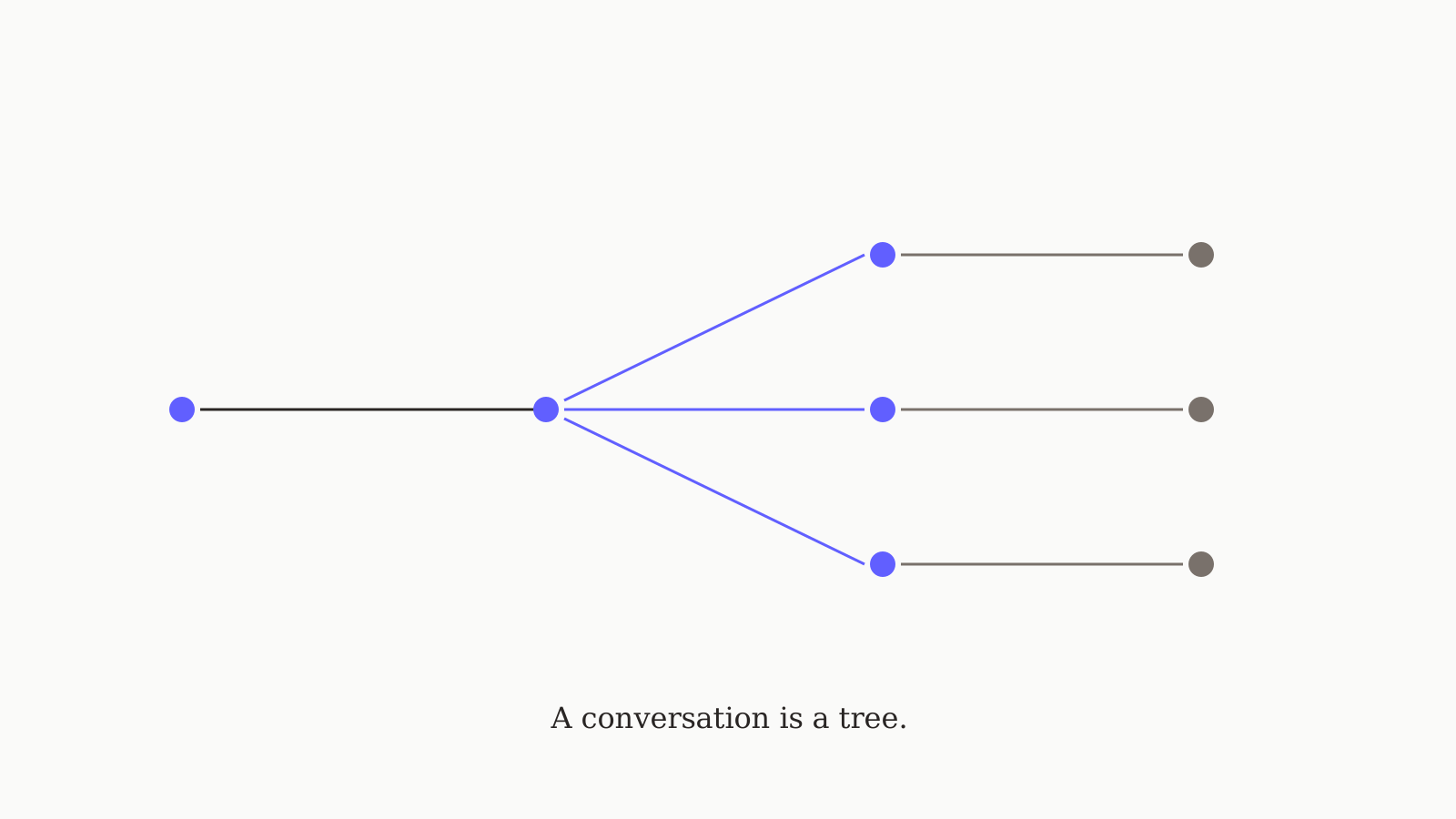
The most useful technique we've found for working with AI chats isn't a clever prompt. It's a workflow change: stop treating a conversation as a line, start treating it as a tree. When you ask a follow-up that takes the conversation in a new direction, you're creating a fork — and most chat tools delete the path you didn't take. The fix is small but it changes how you think with AI. This post is the case for branching as a first-class technique, with concrete examples of when it pays off most.
What "branching" actually means
A linear conversation: turn 1 → turn 2 → turn 3. Every new turn replaces the line going forward. If turn 3's answer ruins what turn 2 set up, turn 2 is gone — at best, you scroll back and try again, but the rest of the conversation past turn 2 disappears with it.
A branched conversation: turn 1 → turn 2 → (turn 3a, turn 3b). Both 3a and 3b exist; they share everything up to turn 2 but diverge after. You can keep developing 3a, develop 3b separately, and even compare them side-by-side.
Most AI chat tools — ChatGPT, Claude.ai, Gemini, Poe, TypingMind, OpenRouter chat — show you a linear conversation. ChatGPT and Claude let you edit a previous message, which creates a hidden branch (the old reply is technically still there in the URL params), but the UX doesn't surface it as a tree. oran.chat ships branching as the primary metaphor — every fork is visible and clickable.
Three workflows where branching pays off
1. Comparing two models on the same prompt. Ask the question. Get Claude's answer. Branch and ask the same model the same question through GPT-5 instead. Now you have both answers in one conversation, comparable side-by-side, and you can keep developing whichever one moved you.
2. Trying a different framing of the same question. Sometimes the model gave a fine answer but to a slightly different question than you meant. With branching, you reword the question without losing the original answer — useful when you later realize the original interpretation was actually correct.
3. Pursuing two valid directions in parallel. "Should I make this argument by appealing to data, or by appealing to a case study?" Branch and try both. The two drafts develop independently; you pick the better one for the final version (or merge ideas from both).
When NOT to branch
Branching has a maintenance cost — every live branch is another conversation thread to keep track of. Don't branch:
- For typos or small corrections (just edit and move on)
- When the new direction obviously kills the old one (you don't need both)
- When you're three branches deep and have lost track (collapse to the one you're using)
The rule of thumb: branch when you're genuinely curious whether the other path would have been better. If you're sure, just commit.
Why this is a thinking technique, not a feature
Branching changes what kinds of questions you ask. Linear chat trains you to commit early ("which one of these is the right answer?"). Branched chat lets you defer that commitment — you can explore both possibilities, see which one develops, and choose with more information.
This is the same reason version control transformed programming. Before git, "what if this refactor breaks something?" was a big risk; after, it's a branch. The risk shrank, so people refactored more. Branching in AI chat does the same thing for ideas: the cost of "trying it the other way" drops, so you try it more.
The portable system prompt
Branching pairs naturally with a system prompt that works across models — the same instructions apply to whichever model the branch uses, so the comparison stays apples-to-apples.
More Playbooks cover the other practices around multi-model AI work — file attachments, vision prompts, prompt templates. If you want branching as a default feature instead of a workaround, try oran.chat free.