Build an internal tool with Codex Sites (a dashboard)
A start-to-finish tutorial that builds an ops request dashboard in Codex Sites from one prompt, then walks save, review, deploy, and workspace access.
oran.chat blog
Workflows, prompt patterns, and ways to get more out of every chat.
A start-to-finish tutorial that builds an ops request dashboard in Codex Sites from one prompt, then walks save, review, deploy, and workspace access.
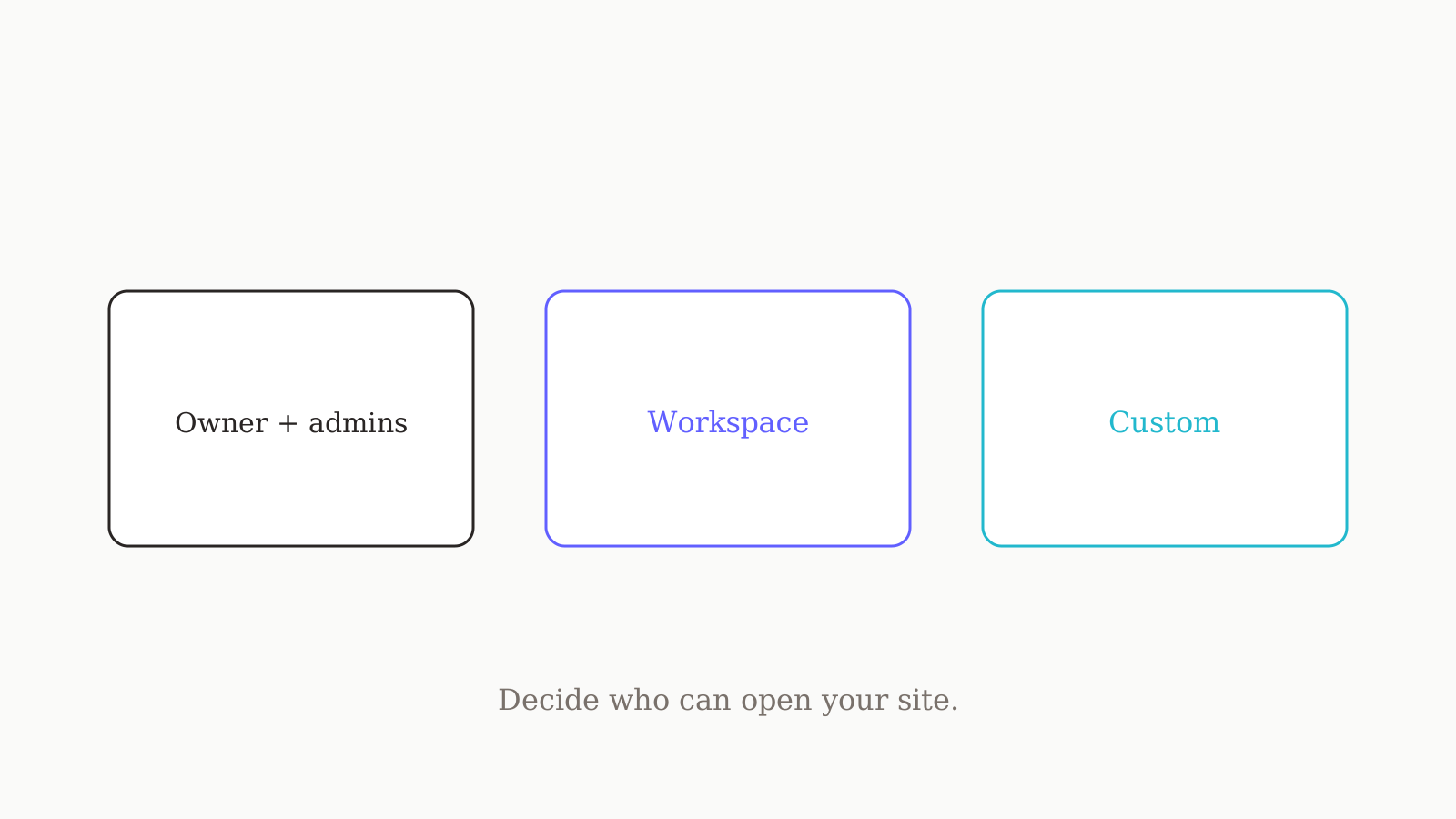
A security-minded guide to Codex Sites access control: every deploy is production, so set the audience before sharing, then widen from owner and admins.
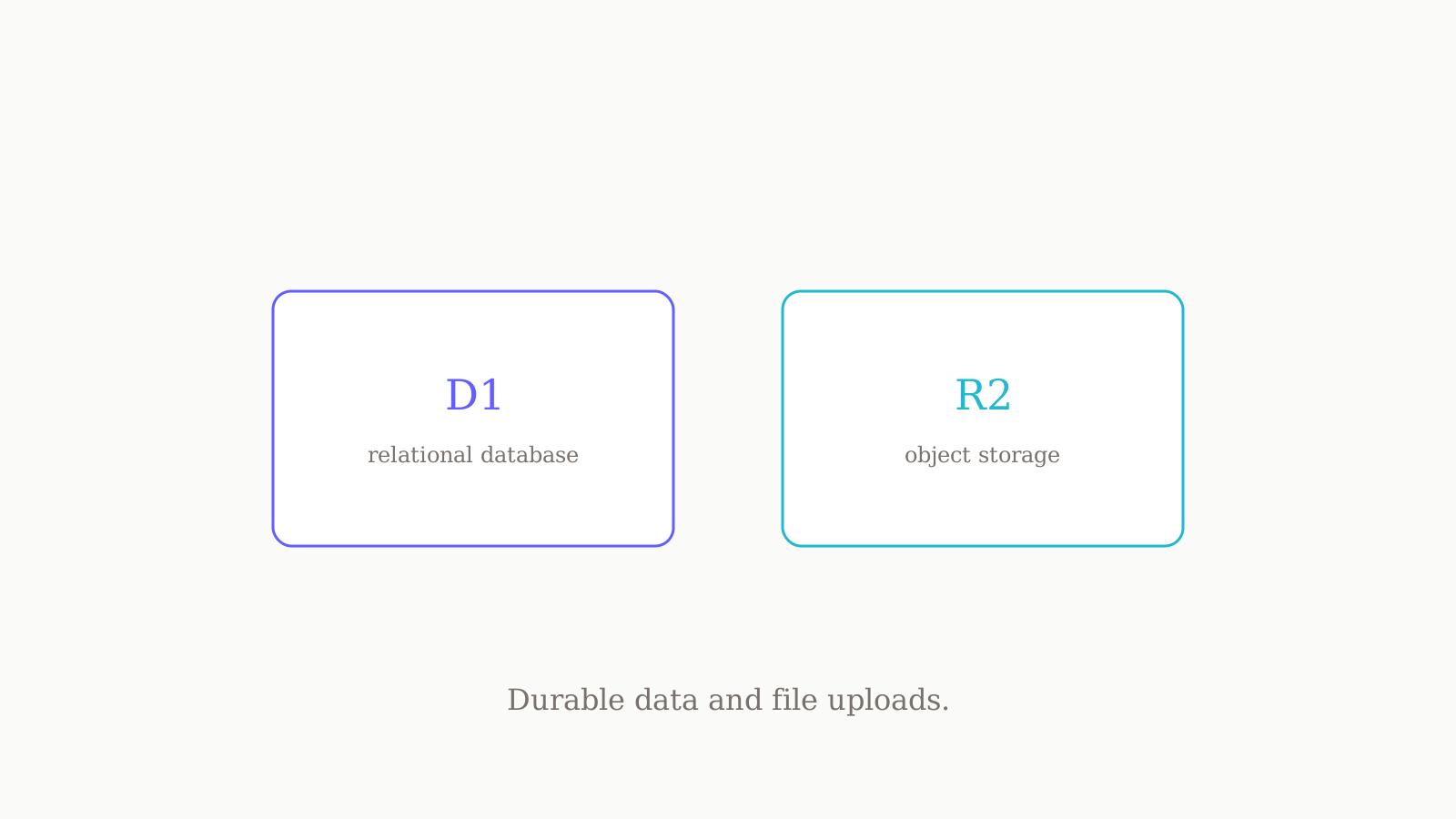
How to give a Codex Sites app durable data and uploads — when to reach for D1, R2, or both, how to ask for it, and where the binding names live.
Where each value belongs in Codex Sites — runtime secrets in the panel, binding names in hosting.json, keys in .env — and why you redeploy after a change.
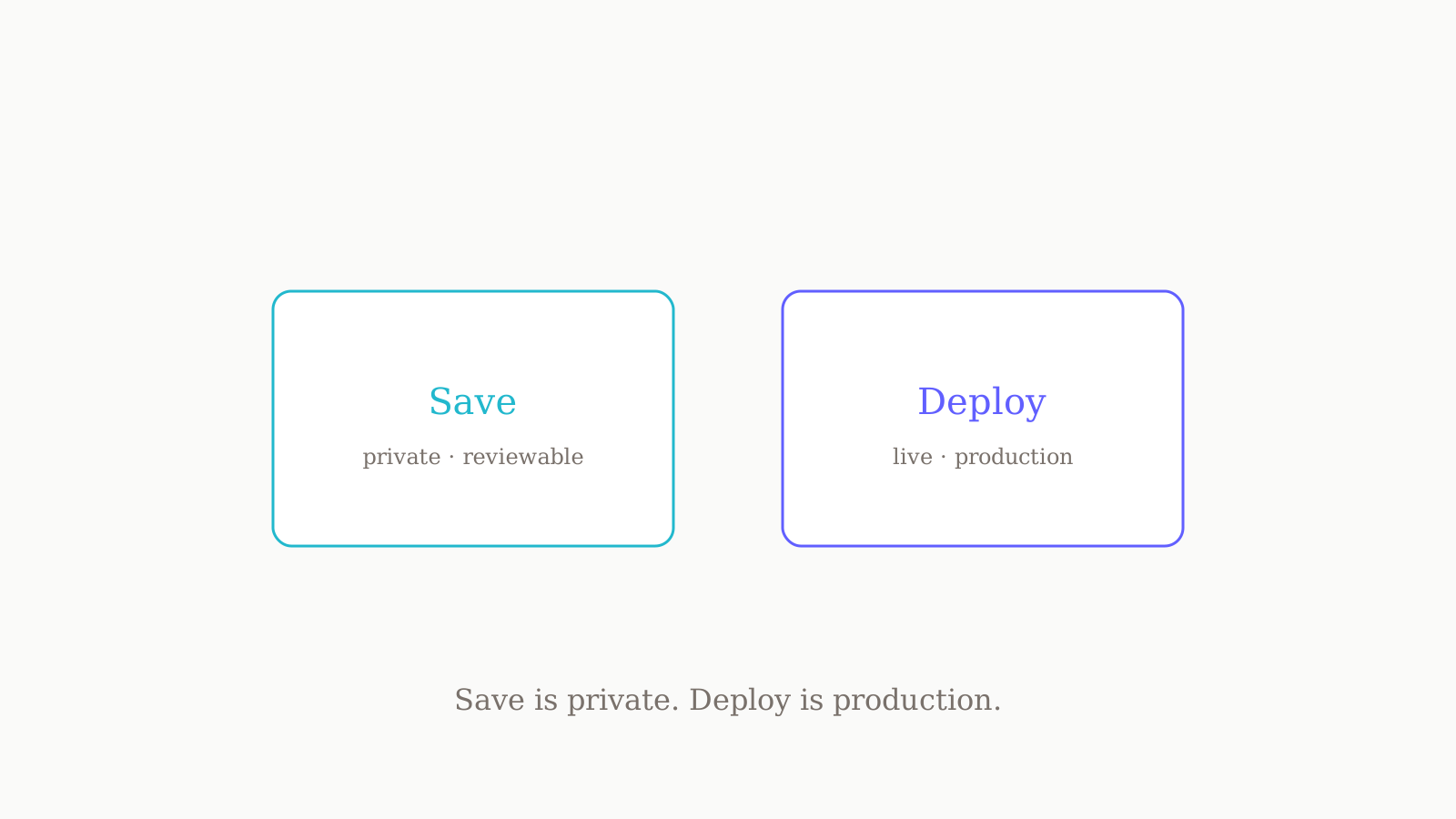
The difference between save and deploy in Codex Sites, why every deploy is production, and how to use the save step as your review gate.
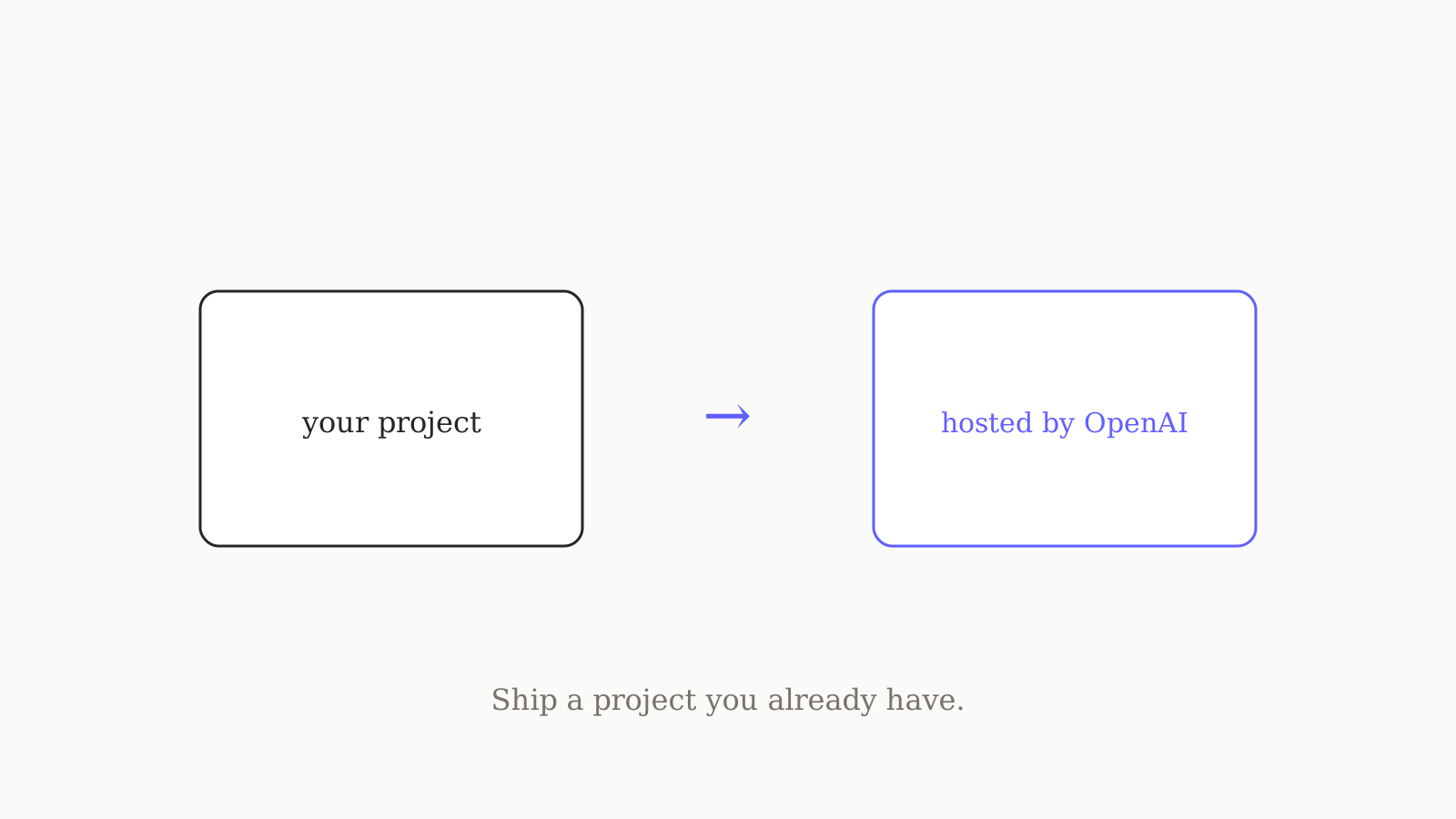
A practical guide to hosting a project you already have with Codex Sites: the compatibility check, the deploy prompt, hosting.json, and the save-deploy loop.
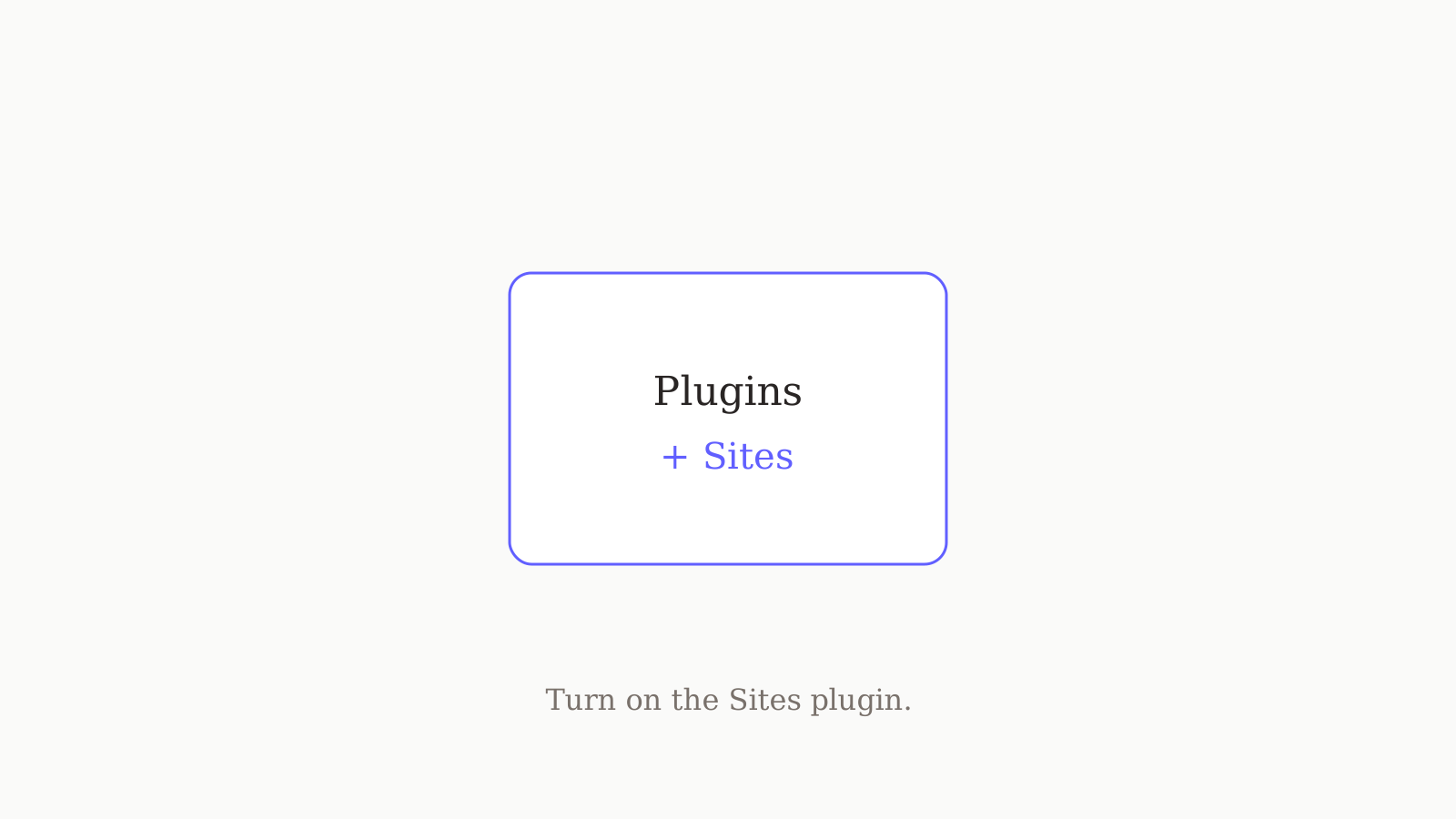
The exact steps to enable Codex Sites: check your plan, flip the Enterprise RBAC switch, add the plugin in the app or CLI, and start a fresh thread.
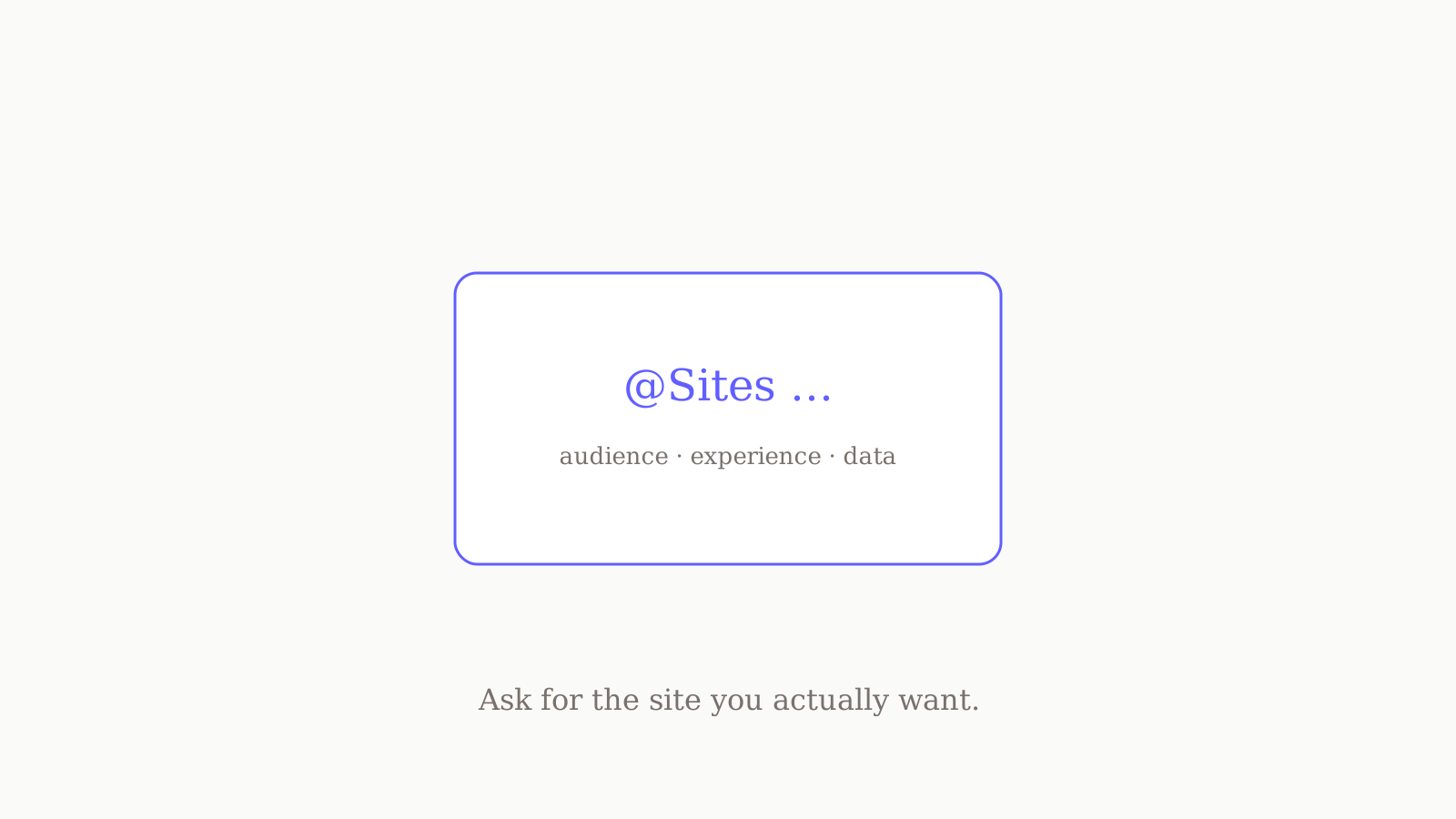
A repeatable shape for Codex Sites prompts — name the audience, the core experience, and the required data, tag @Sites, and let Codex pick storage and identity.
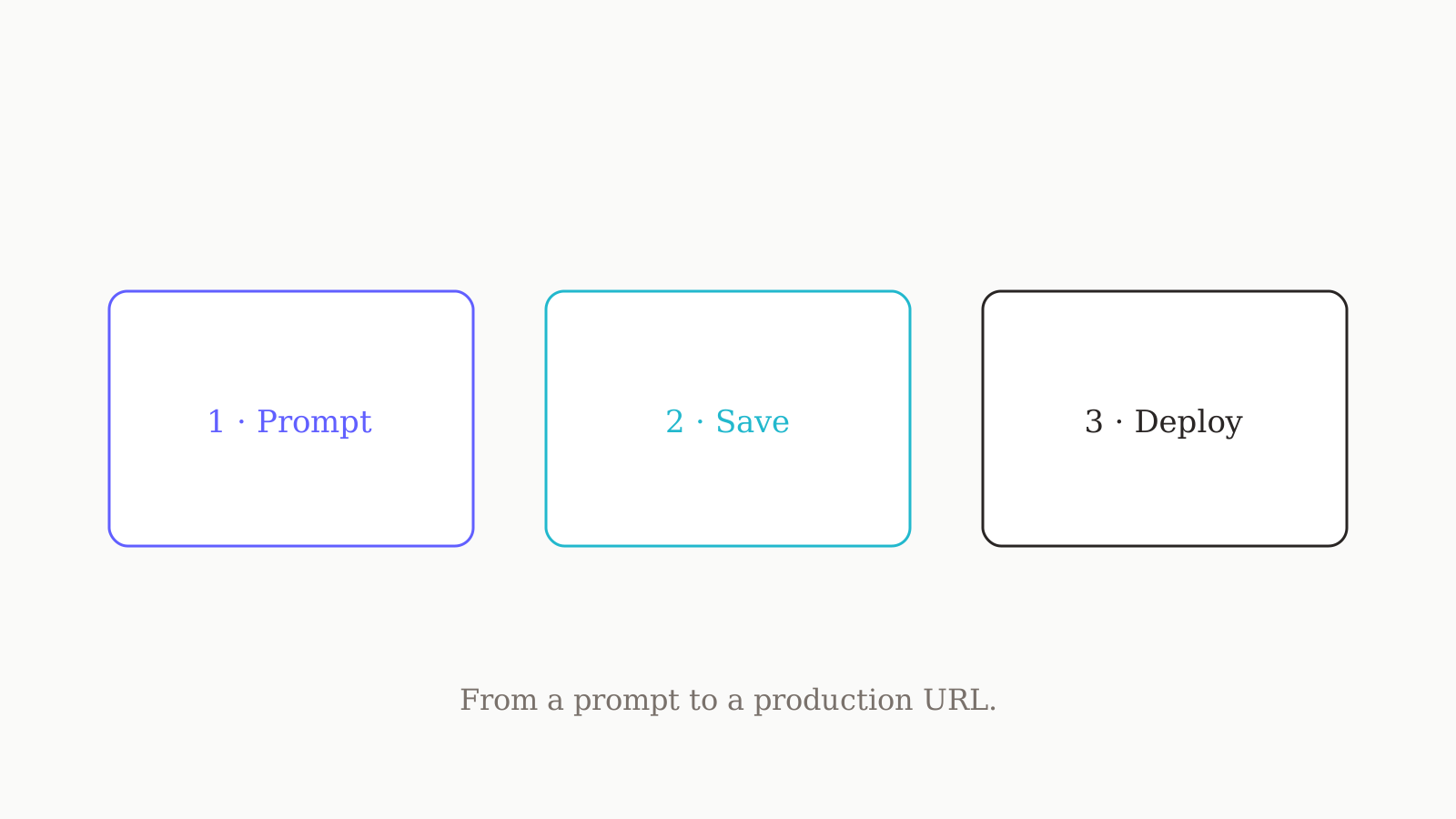
A practical, end-to-end walkthrough of Codex Sites: add the plugin, write your first prompt, validate the build, save a version, then deploy.
A plain-English primer on Codex Sites: what it is, the save-versus-deploy flow, who can use it, and what runs under the hood.
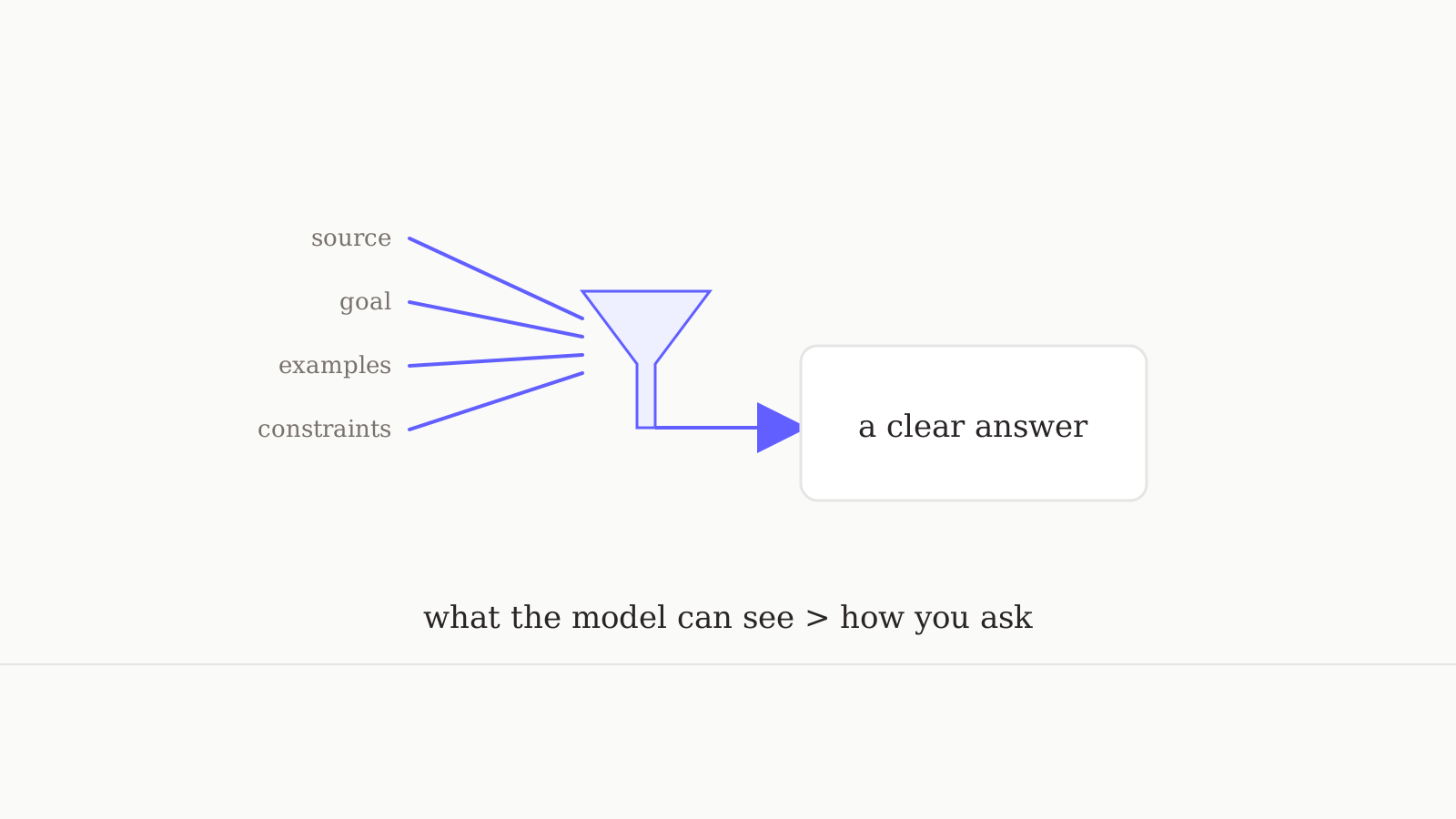
Context engineering is the term that replaced prompt engineering in 2026. Stripped of the buzzwords, here is what it actually means for getting better answers.
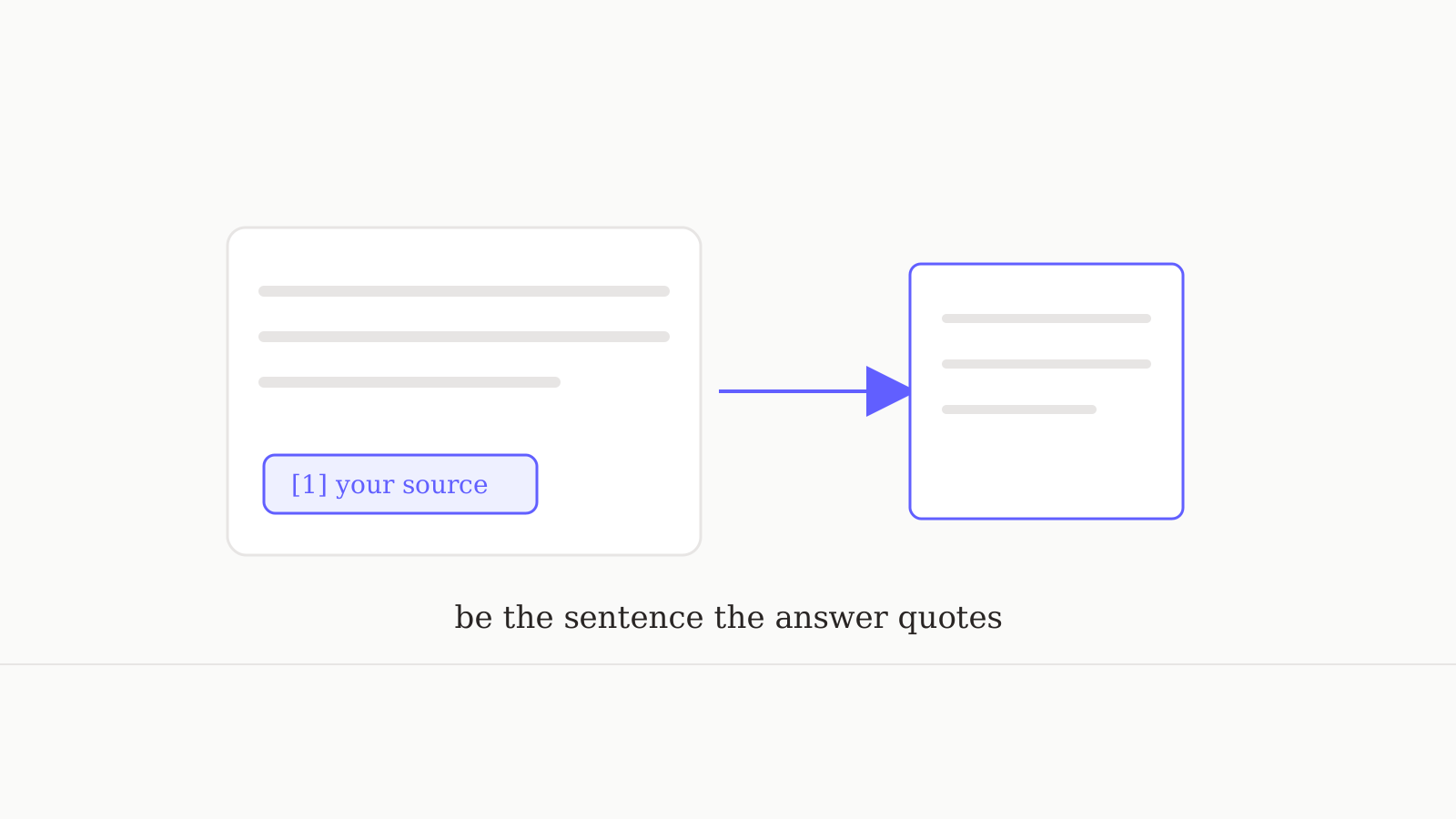
AI Overviews now appear on a quarter of searches. Answer Engine Optimization is how you become the source AI quotes — the tactics that move the needle in 2026.
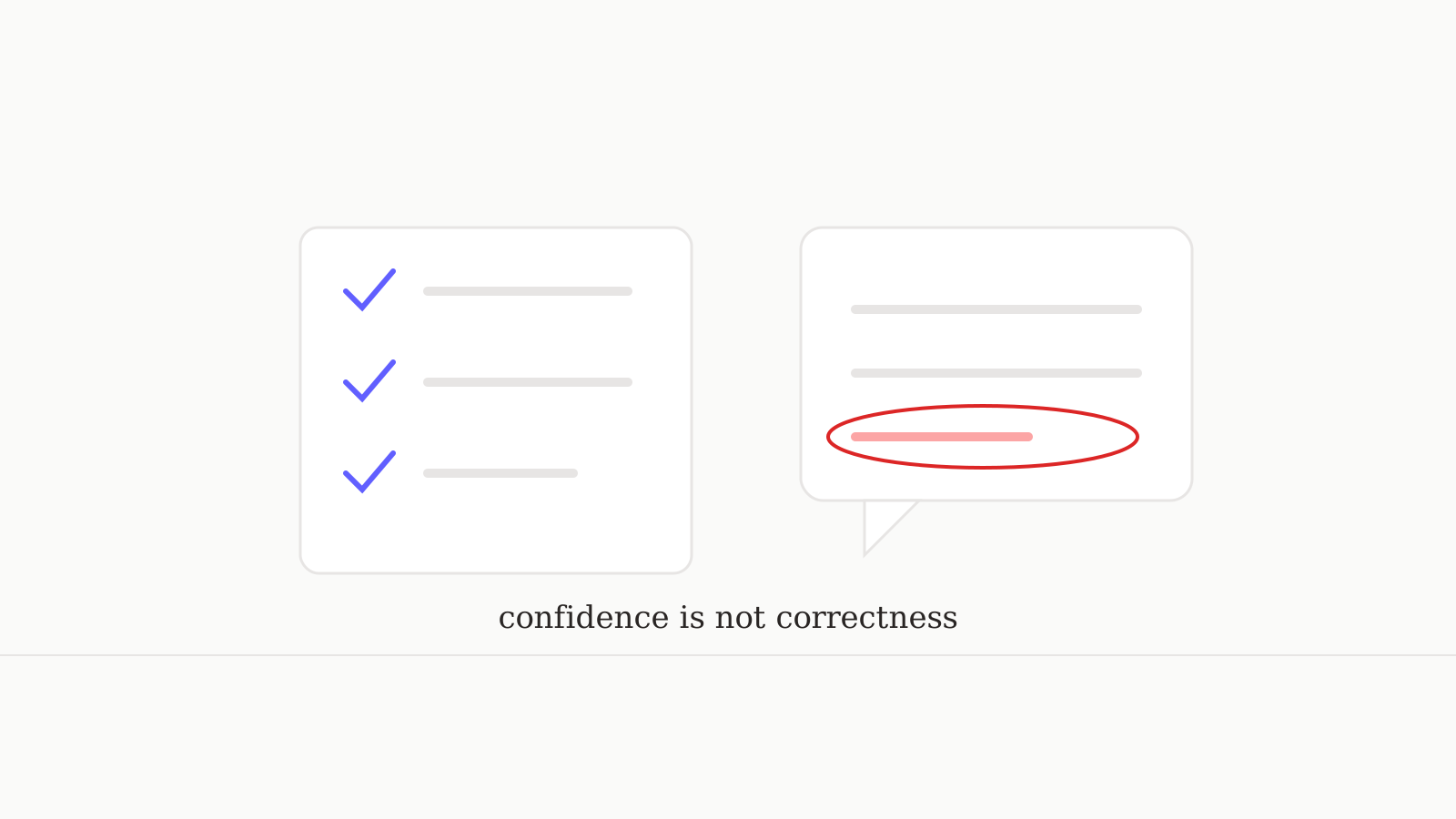
AI still invents facts with total confidence — error rates hit 40% on hard tasks. A repeatable routine for catching hallucinations before they cost you.
92% of students now use AI — and research warns it can erode the skills you're building. A study playbook that keeps the learning yours.
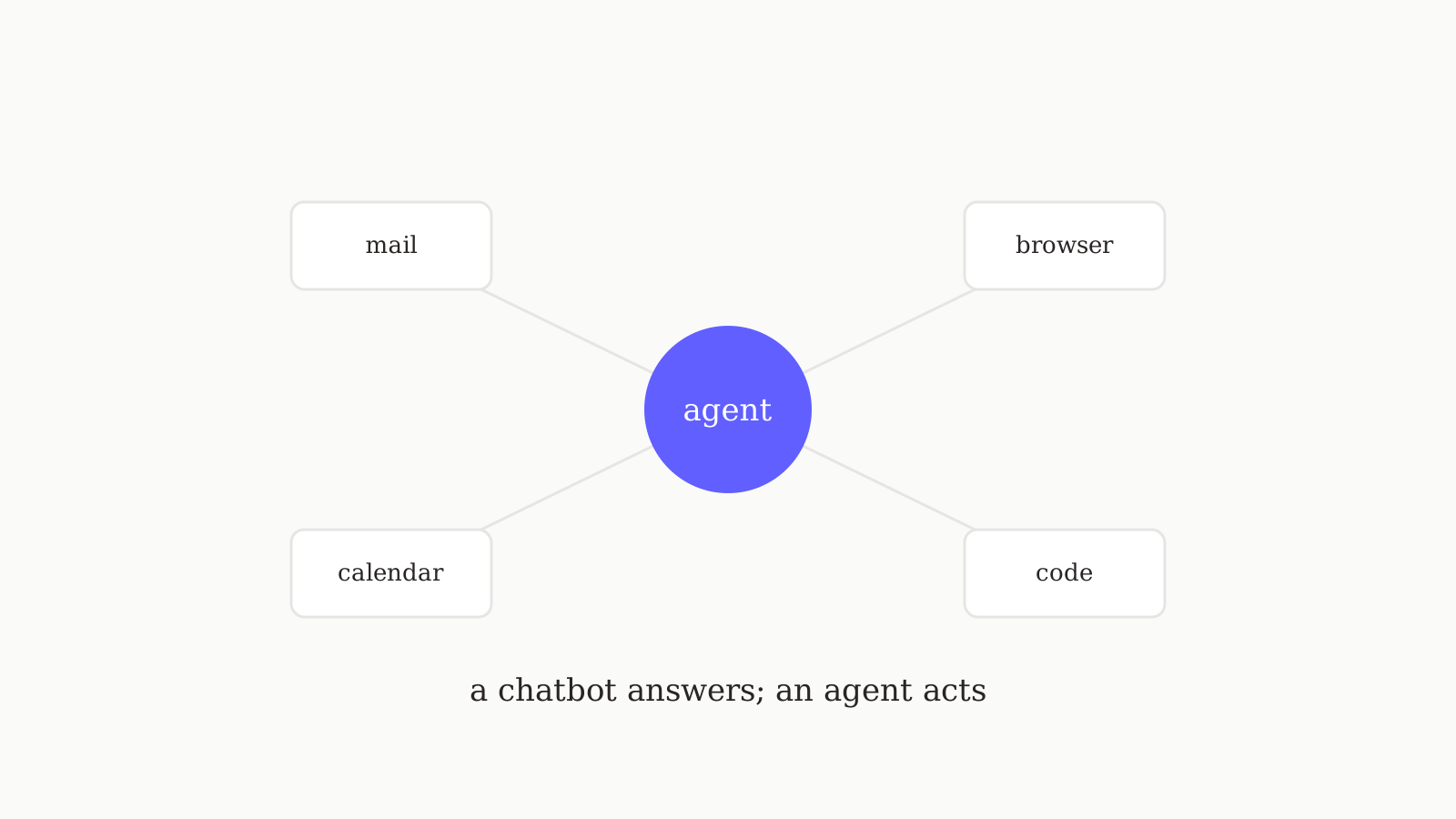
79% of companies say they've adopted AI agents. Past the hype, here's what one can really do for you today — the tasks, the limits, and where to start.
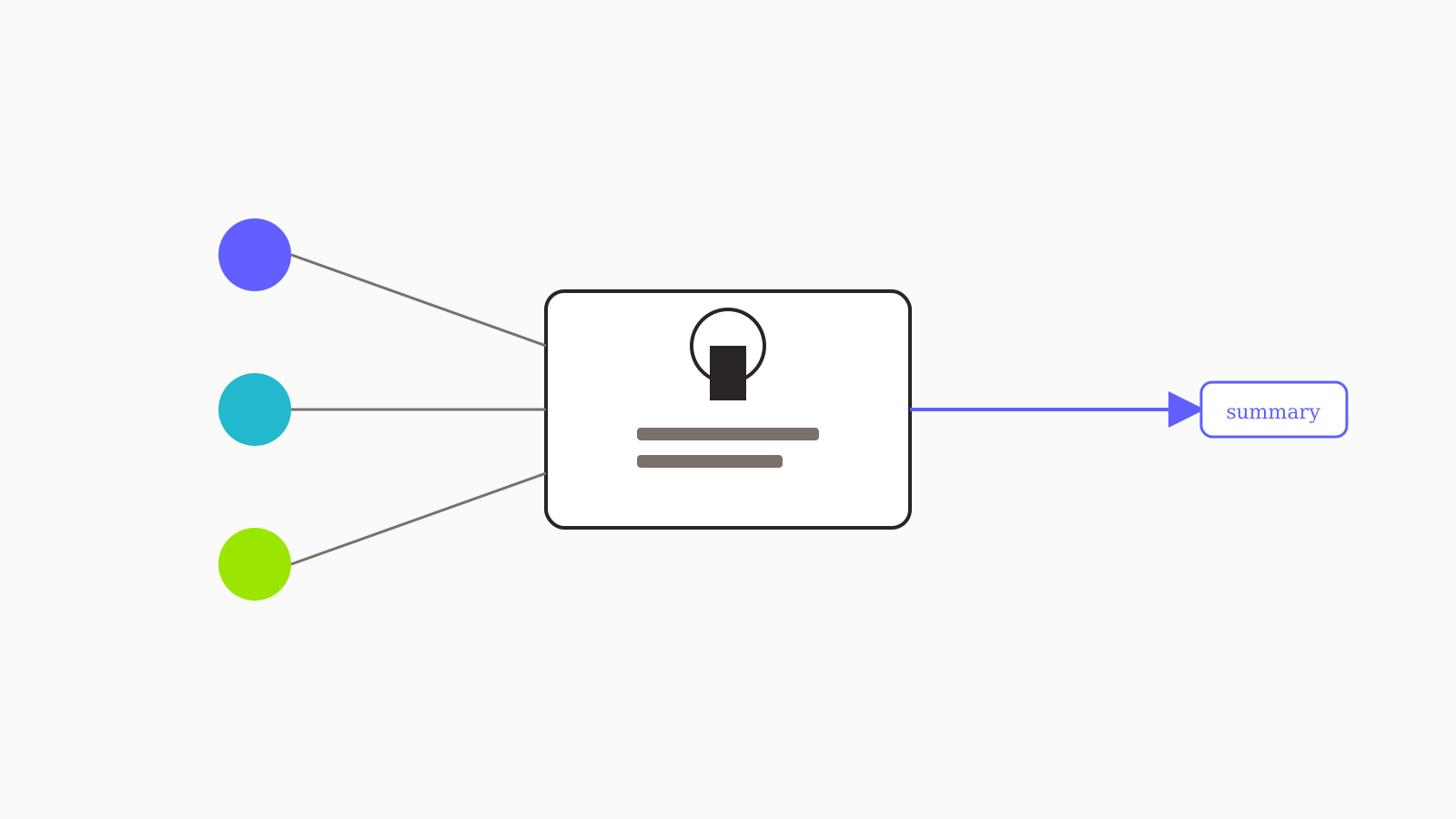
What 'memory' actually stores in ChatGPT, Claude, and Gemini — and how to keep it useful without leaking things you didn't mean to.
The discipline that keeps AI-assisted research trustworthy — citation-first prompts, source verification, and the difference between a synthesis and a quote.

Three techniques that get AI to match your writing voice — examples, constraints, and the rewrite-in-my-style prompt that actually works.
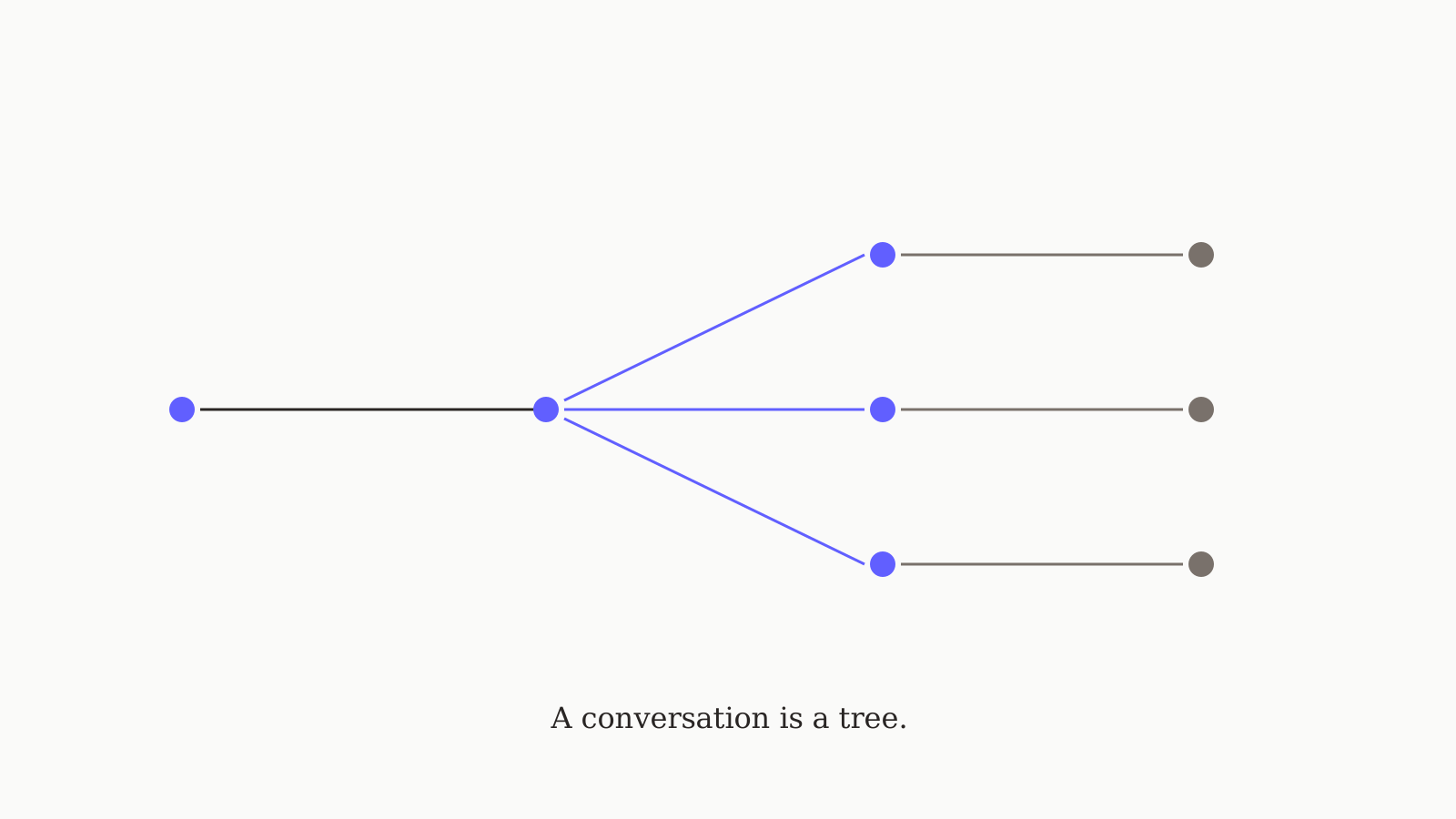
Why every conversation thread is a tree, not a line — and the small workflow change that protects the answer you almost kept.
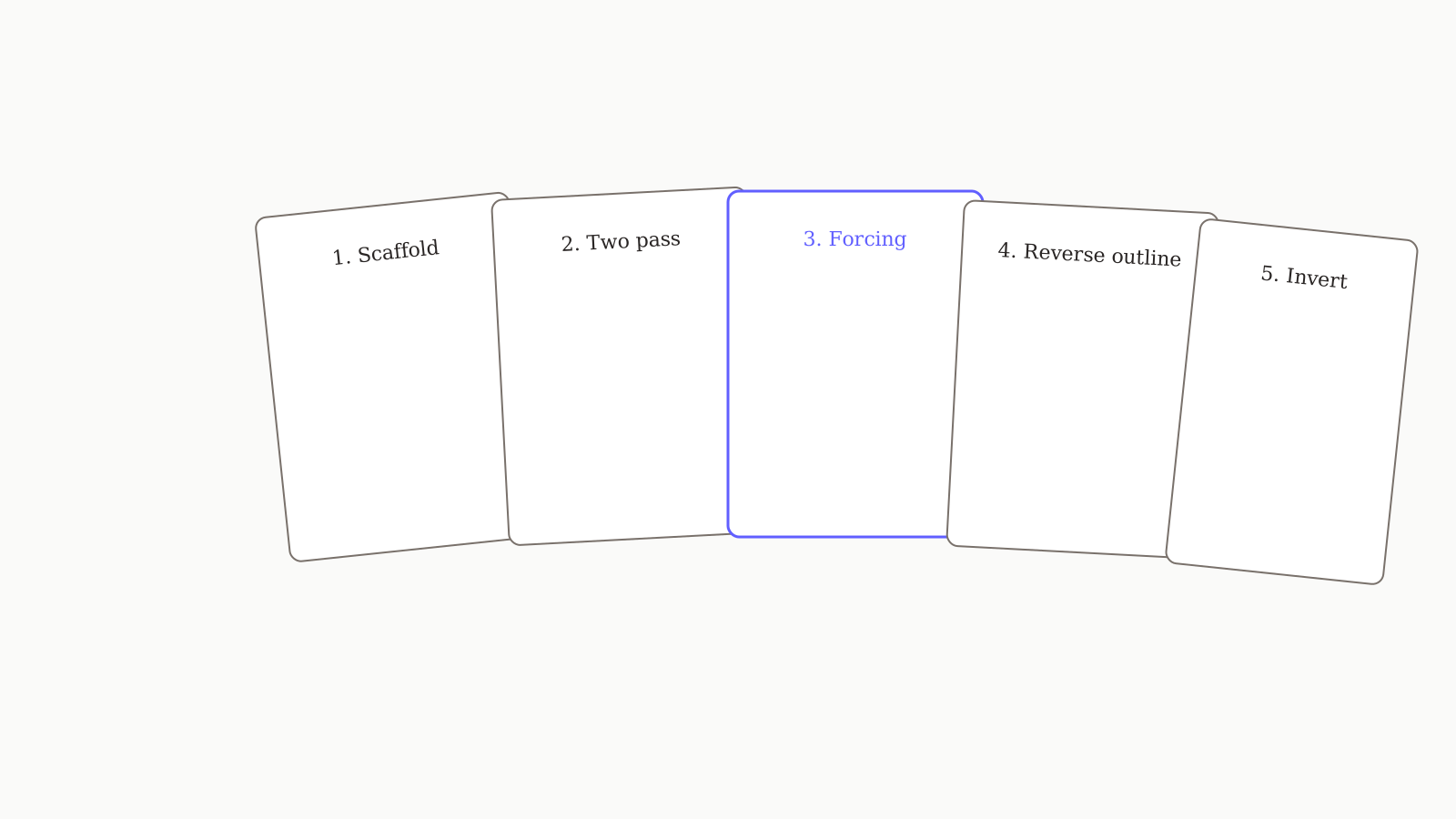
Five reusable prompt structures with before-and-after examples — the ones we use ourselves often enough to memorize. Not the generic 'act as a' list.
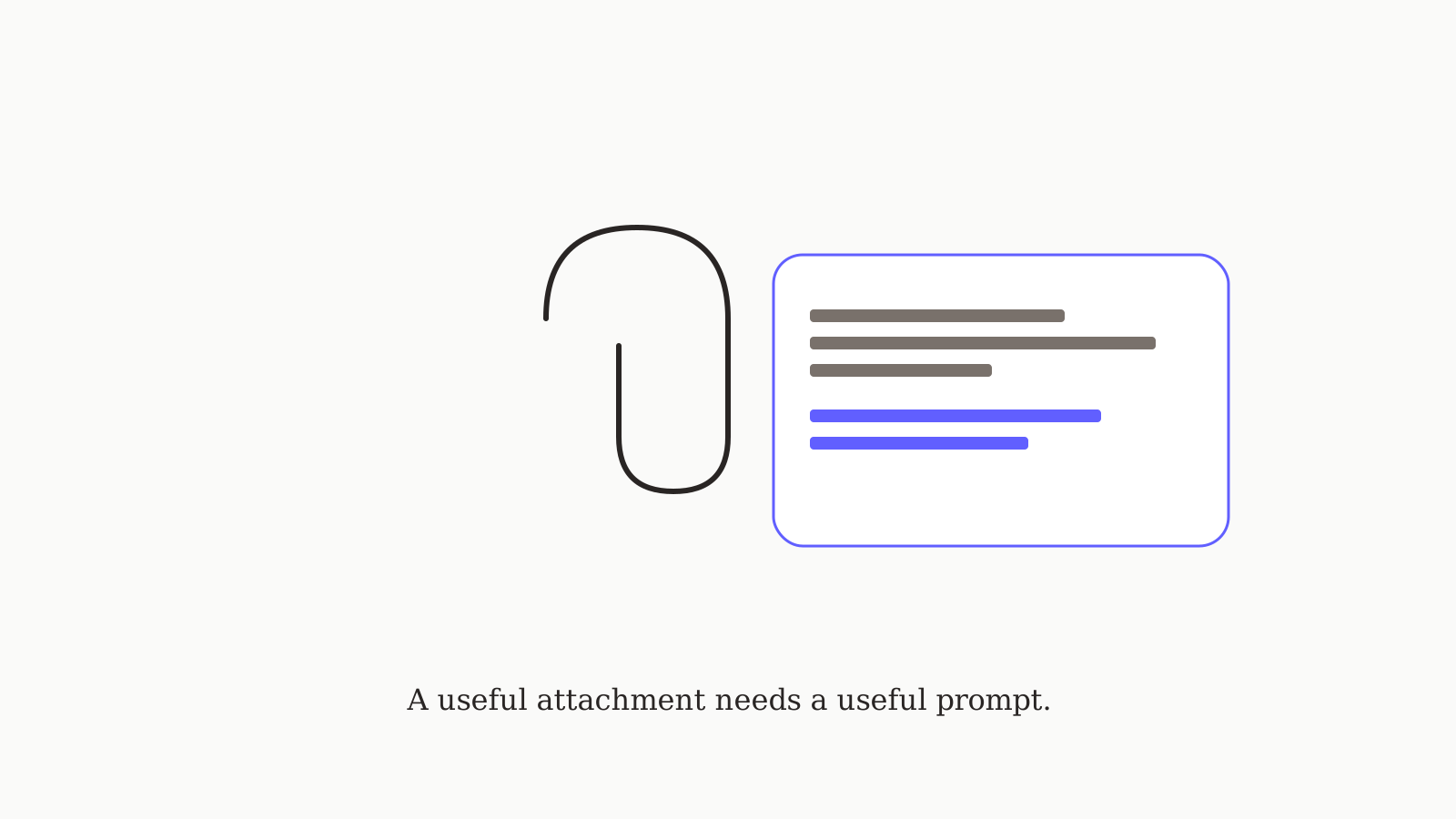
Format-by-format guidance for PDFs, docs, code, and screenshots — what each model handles well and the prompts that get real answers instead of summaries.
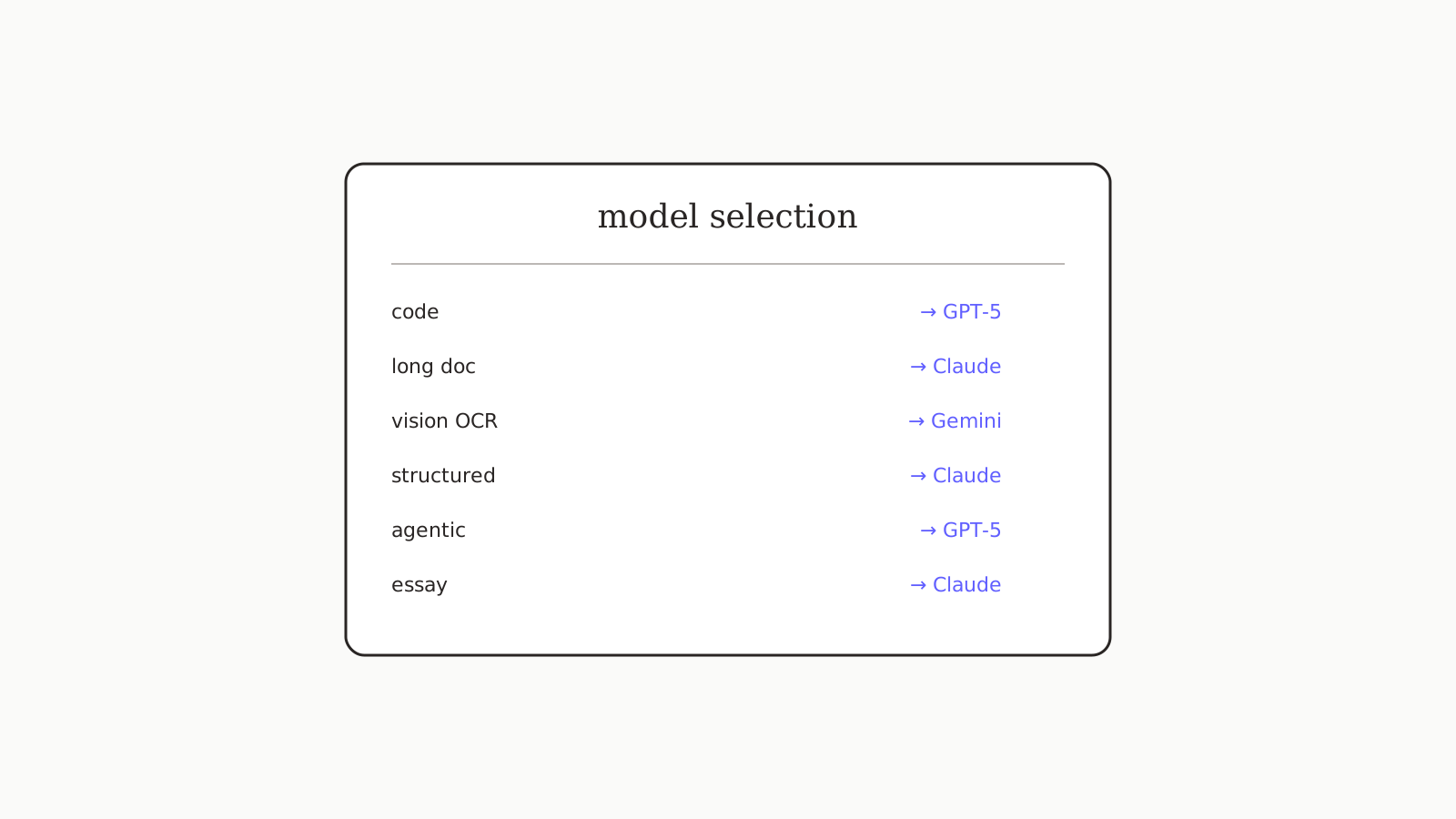
A one-page lookup table mapping question categories to recommended AI models — coding, writing, research, vision, agentic, structured.
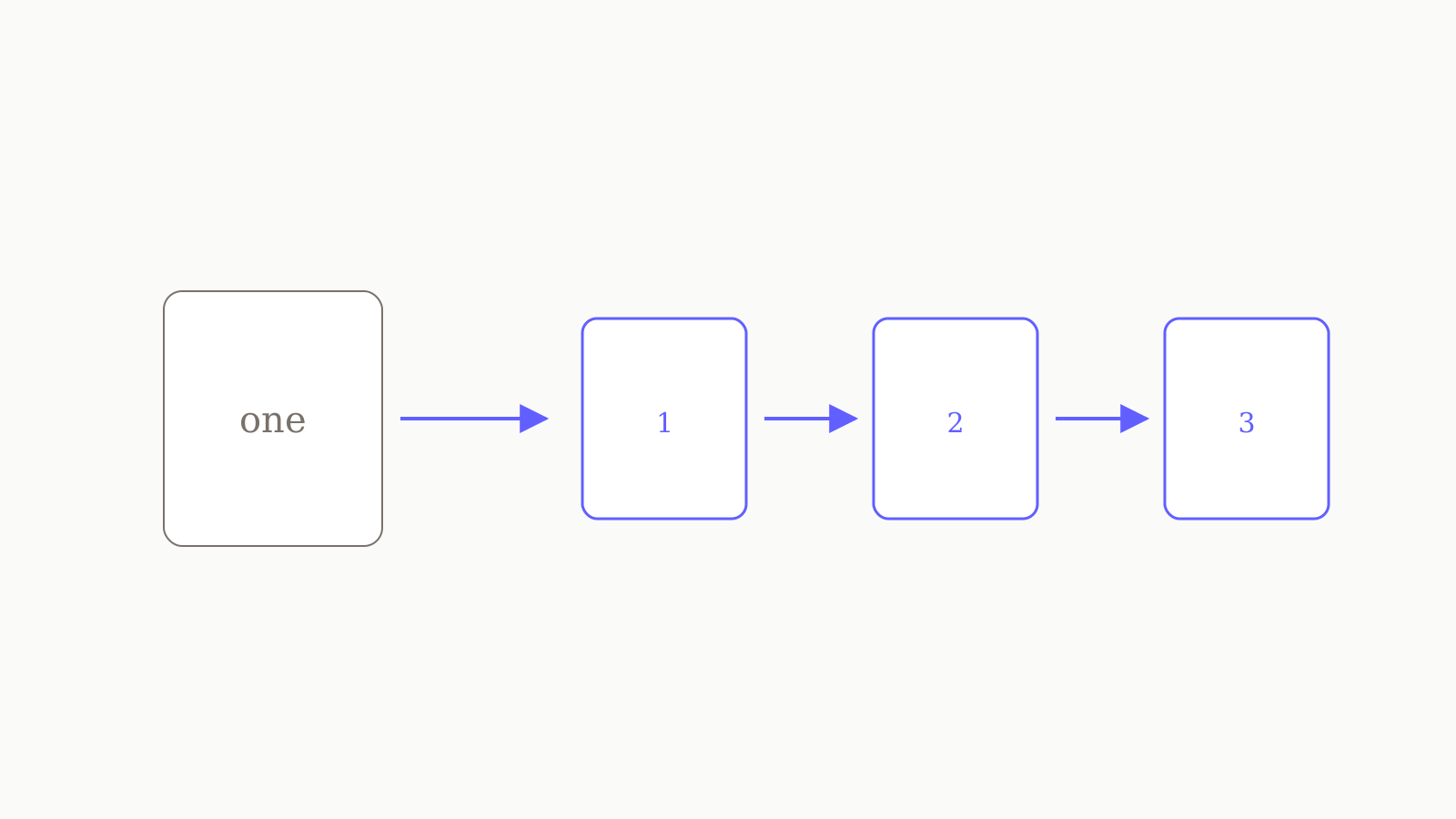
Three signs your prompt should be two prompts — and the chunking patterns that produce better answers than one big ask.
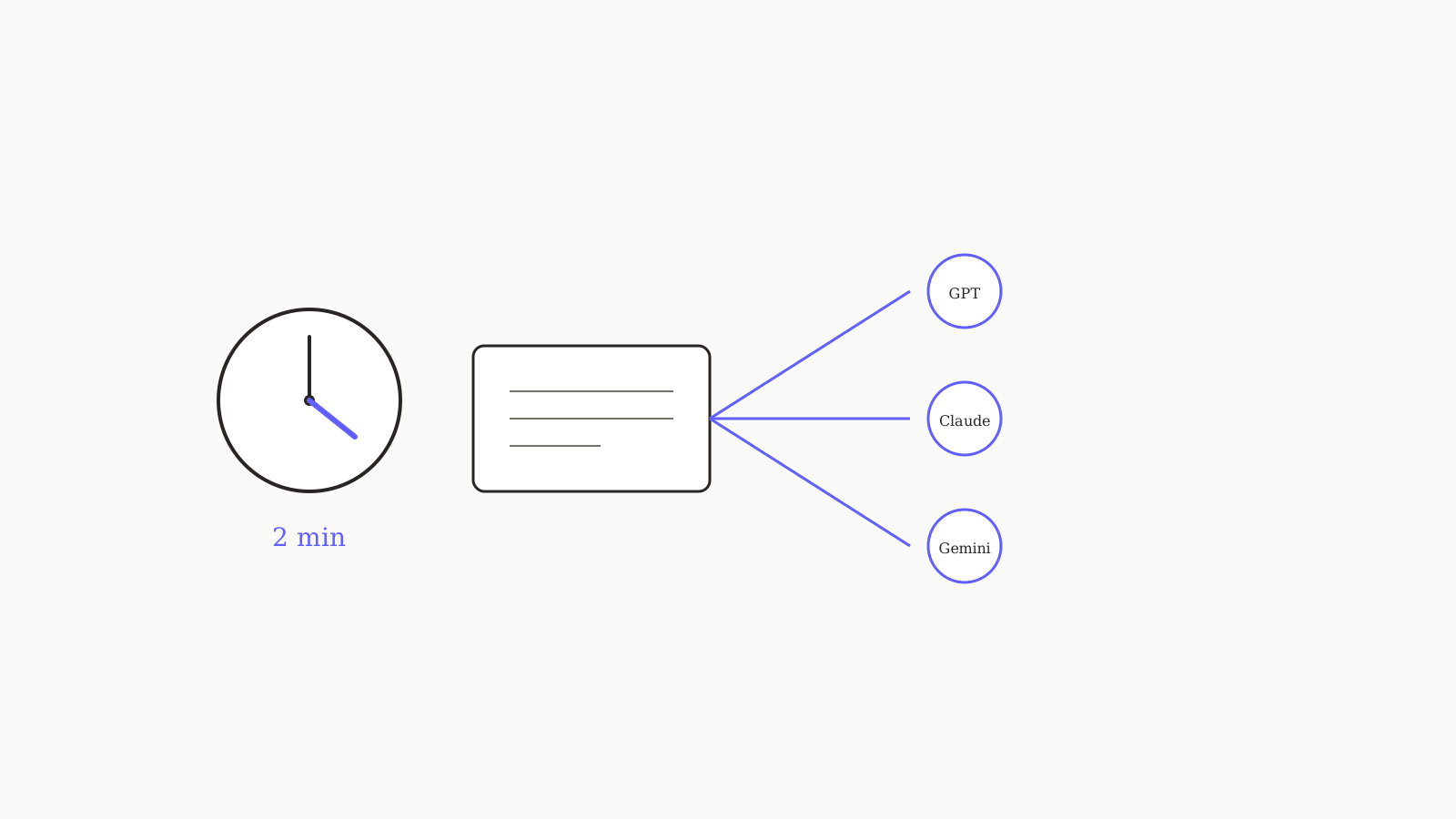
Stop rewriting your custom instructions in three places. The two-minute setup that makes the same instruction set land in GPT, Claude, and Gemini.
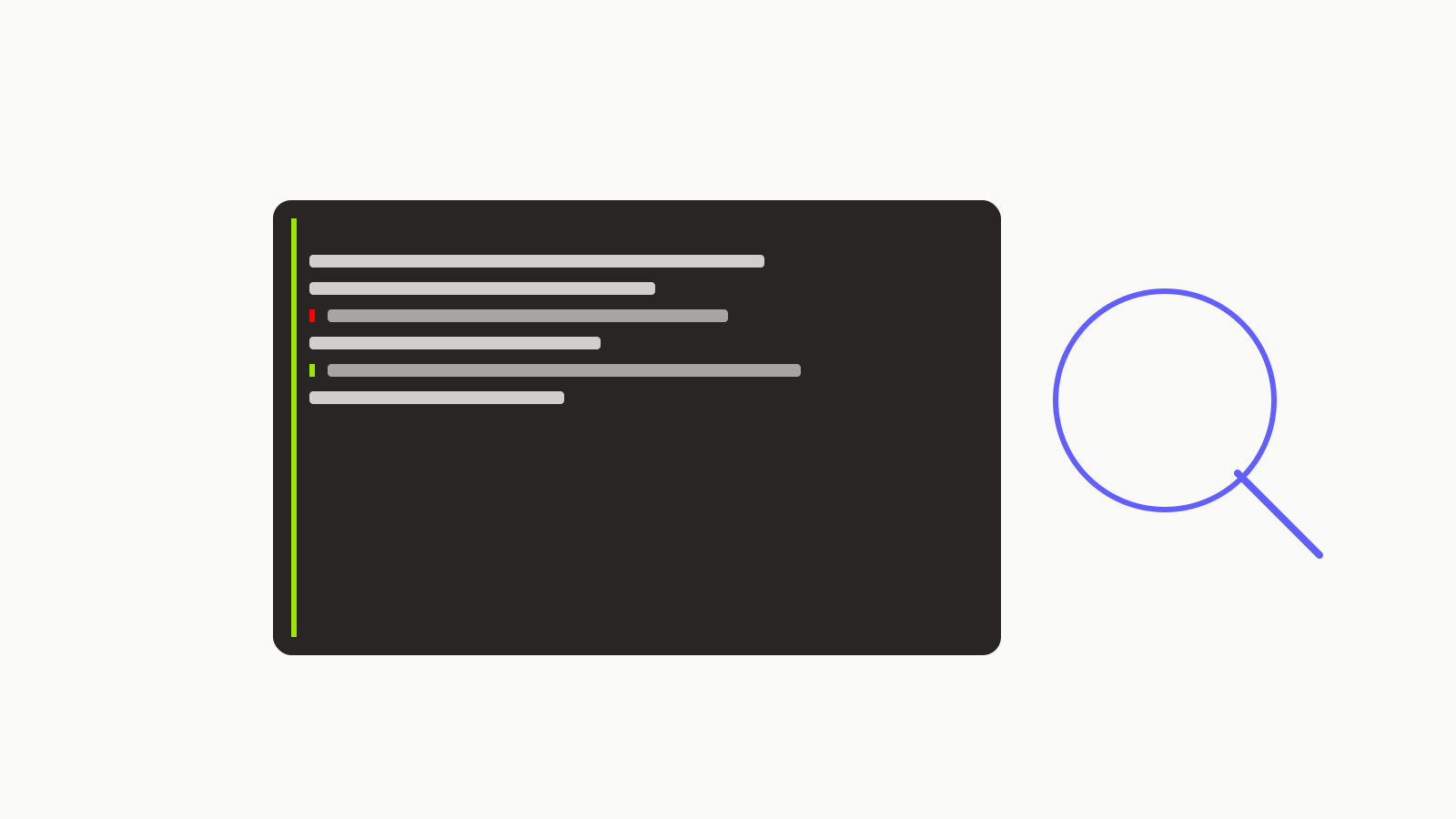
A reusable code-review prompt that catches bugs and footguns instead of arguing about style — with examples of what to add for specific languages.
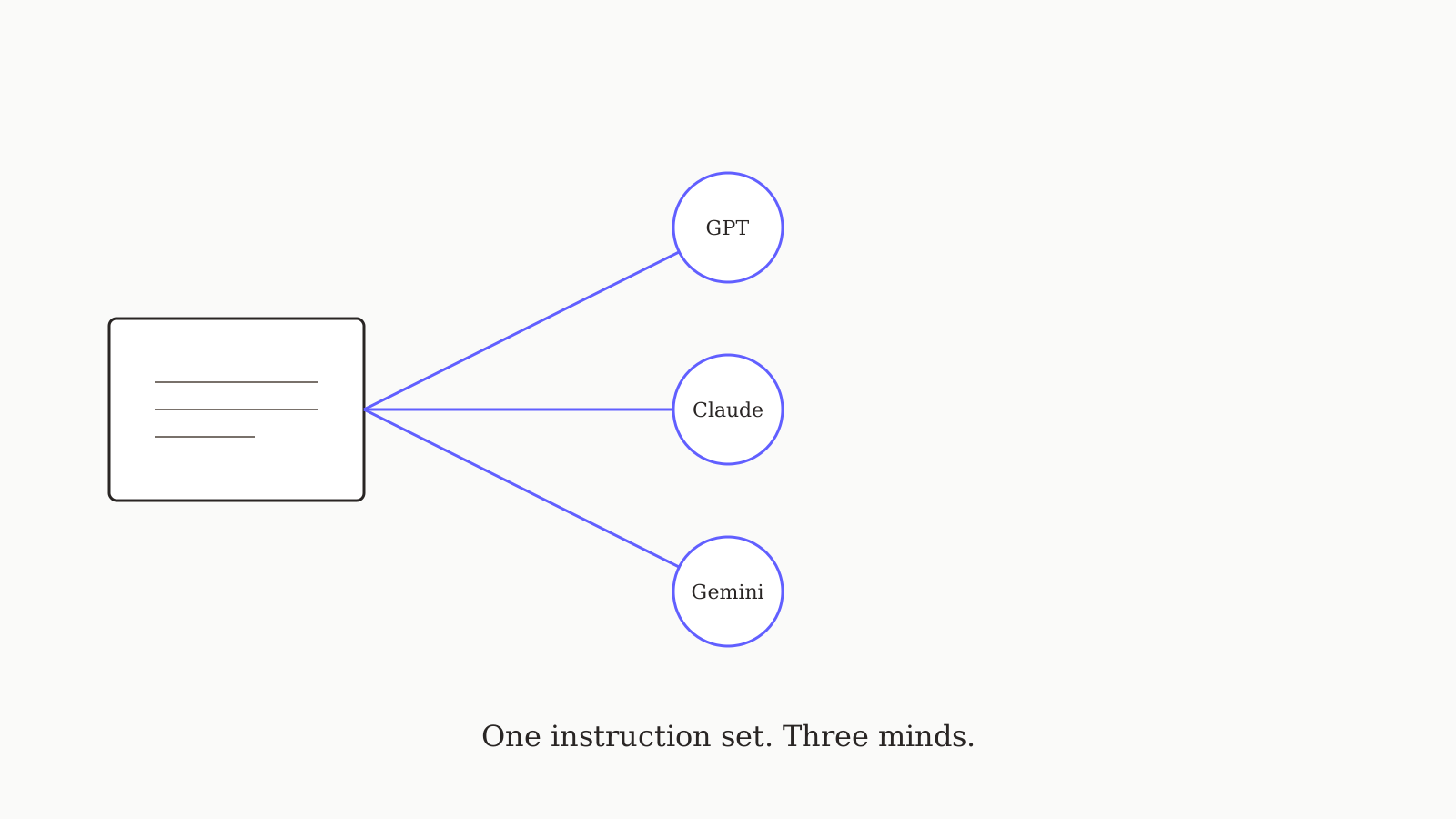
A portable system-prompt template plus the cross-model failure modes to avoid — phrasing that makes one instruction set land in three models.
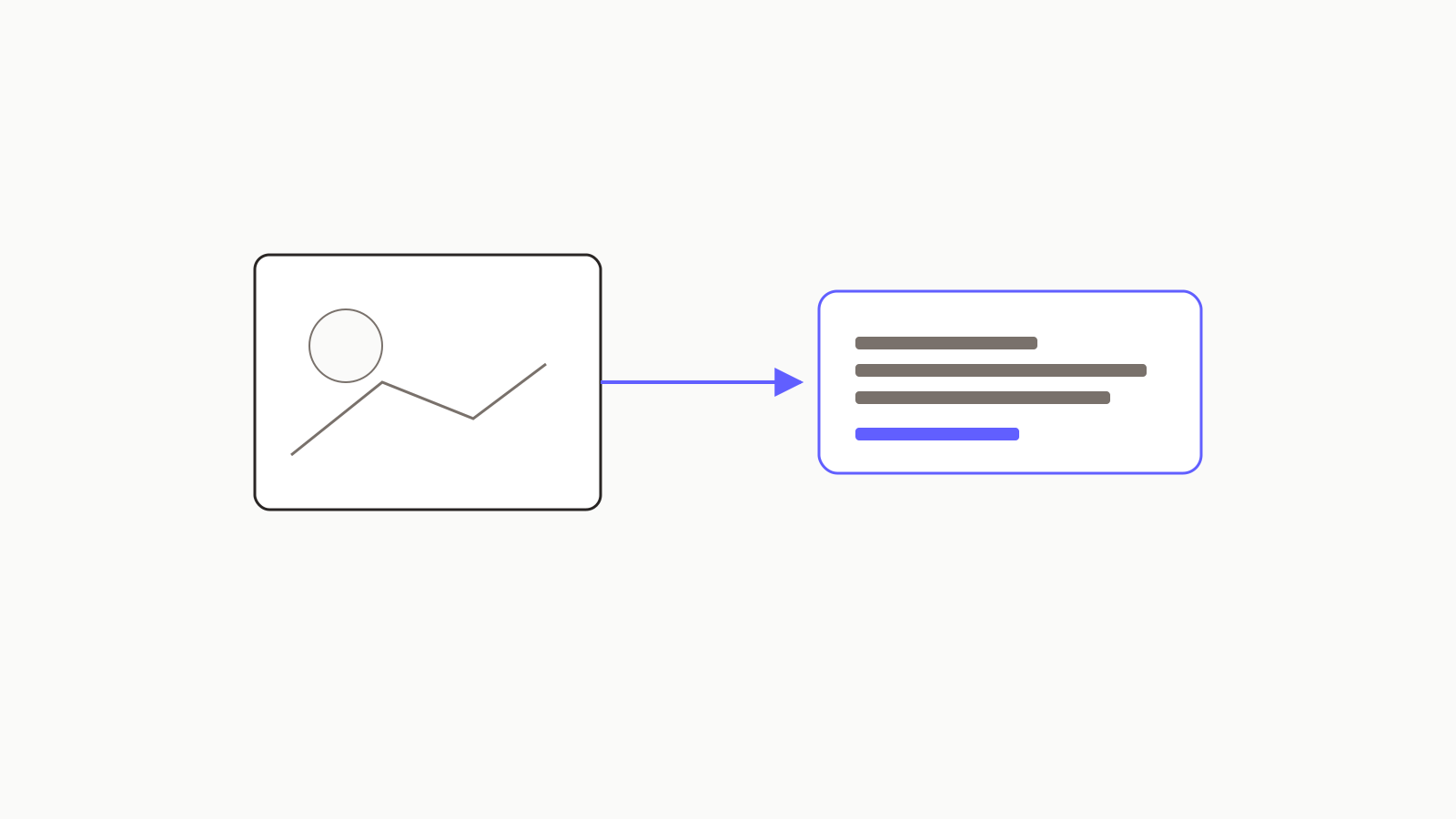
What to actually type when you upload an image — the prompts that get useful answers across UI screenshots, technical diagrams, and hand-drawn whiteboards.