The two-minute setup: one instruction set, every model
Stop rewriting your custom instructions in three places. The two-minute setup that makes the same instruction set land in GPT, Claude, and Gemini.

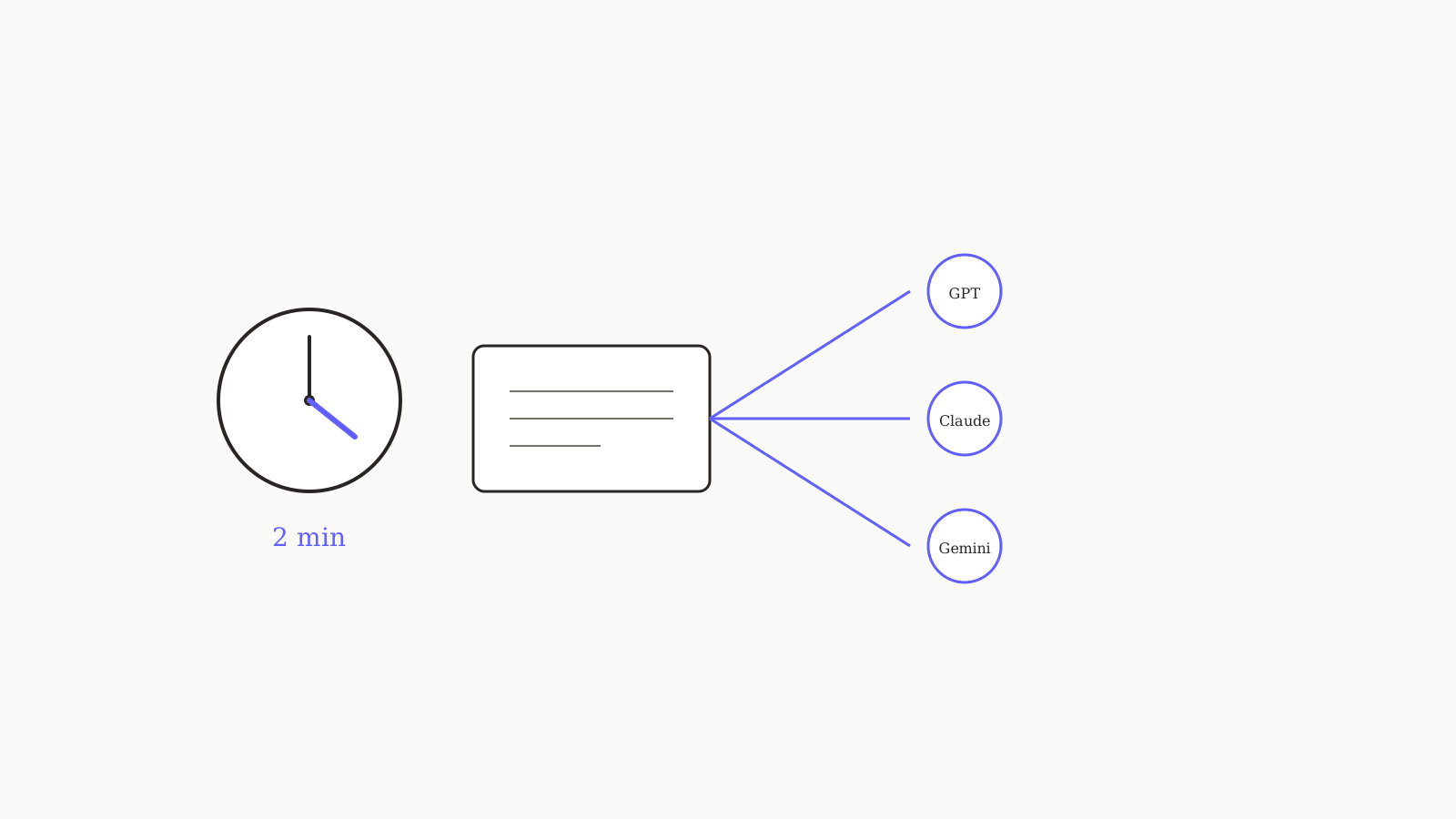
If you maintain three sets of custom instructions — one for ChatGPT, one for Claude.ai, one for Gemini — you're doing it the hard way. Every time your context changes (new role, new project, new tone), you update three places. This is the two-minute setup we use ourselves to maintain one canonical instruction set and have it land in every model. Five steps; nothing fancy.
The setup
Step 1. Open a plain text file. Name it instructions.md. This is your source of truth.
Step 2. Paste in the portable template from How to write a system prompt that works across GPT, Claude, and Gemini:
# Role
You are <role>. You work with <audience>.

# What you do
- <responsibility 1>
- <responsibility 2>

# How you respond
- <format constraint>
- <length constraint>

# What you don't do
- <hard no 1>

# When you're unsure
Ask before guessing.
Fill it in. Keep it under 300 tokens. Resist the urge to add edge cases.
Step 3. Paste the same content into each tool's custom instructions field:
- ChatGPT: Settings → Personalization → Custom Instructions
- Claude.ai: Settings → Profile → User Profile
- Gemini: app menu → Saved info (or use Gems for per-task variants)
You now have the same instructions everywhere. Two minutes elapsed.
Step 4. When you update instructions.md, copy-paste the new version into all three. Use a timer so you don't drift.
Step 5. Stop doing step 4. Use oran.chat (or another multi-model platform that supports shared instructions — see our comparison) where one instruction field is wired to every model. This is what the whole exercise was about; the manual triple-paste was the temporary workaround.
What goes in vs what stays out
Goes in (works everywhere):
- Your role and audience.
- Output format constraints (paragraph count, no bullets, no headers, etc.).
- Length constraints.
- Things you never want the model to do (no apologies, no emoji, no marketing-speak).
- One paragraph about how to handle uncertainty.
Stays out (model-specific or per-task):
- Detailed personas with biographies (don't help).
- "Think step by step" boilerplate (modern models don't need it).
- Long lists of edge cases (consolidate or split per-task).
- Tone calibrations that only work in one model.
If you find yourself adding model-specific rules ("when responding in GPT, please..."), keep them in a separate per-model addendum, not in the main instruction set. (See the addenda pattern in the pillar piece.)
A test for whether your instructions actually work
Open two models. Send the same first user message. Compare the responses.
- If the format is similar (same length, same structure, same restraint), your instructions are constraining enough.
- If they diverge wildly (one bullets, one paragraphs; one is twice as long), the instructions are too loose. Add a format constraint and try again.
Branching makes this comparison much easier — you can run the same prompt against two models in one conversation tree.
The maintenance pattern
When you change your instructions:
- Update
instructions.mdfirst (the source of truth). - Apply everywhere (or push to your multi-model platform).
- Re-run the two-model test above to confirm consistency.
That's it. Most days you won't touch the instructions. The point is to have a place to change them that doesn't require updating three apps.
More setup work in Playbooks. The Playbooks pillar — the portable system prompt template — is the prerequisite for steps 2 and 4.