Save vs deploy in Codex Sites: review before you go live
The difference between save and deploy in Codex Sites, why every deploy is production, and how to use the save step as your review gate.

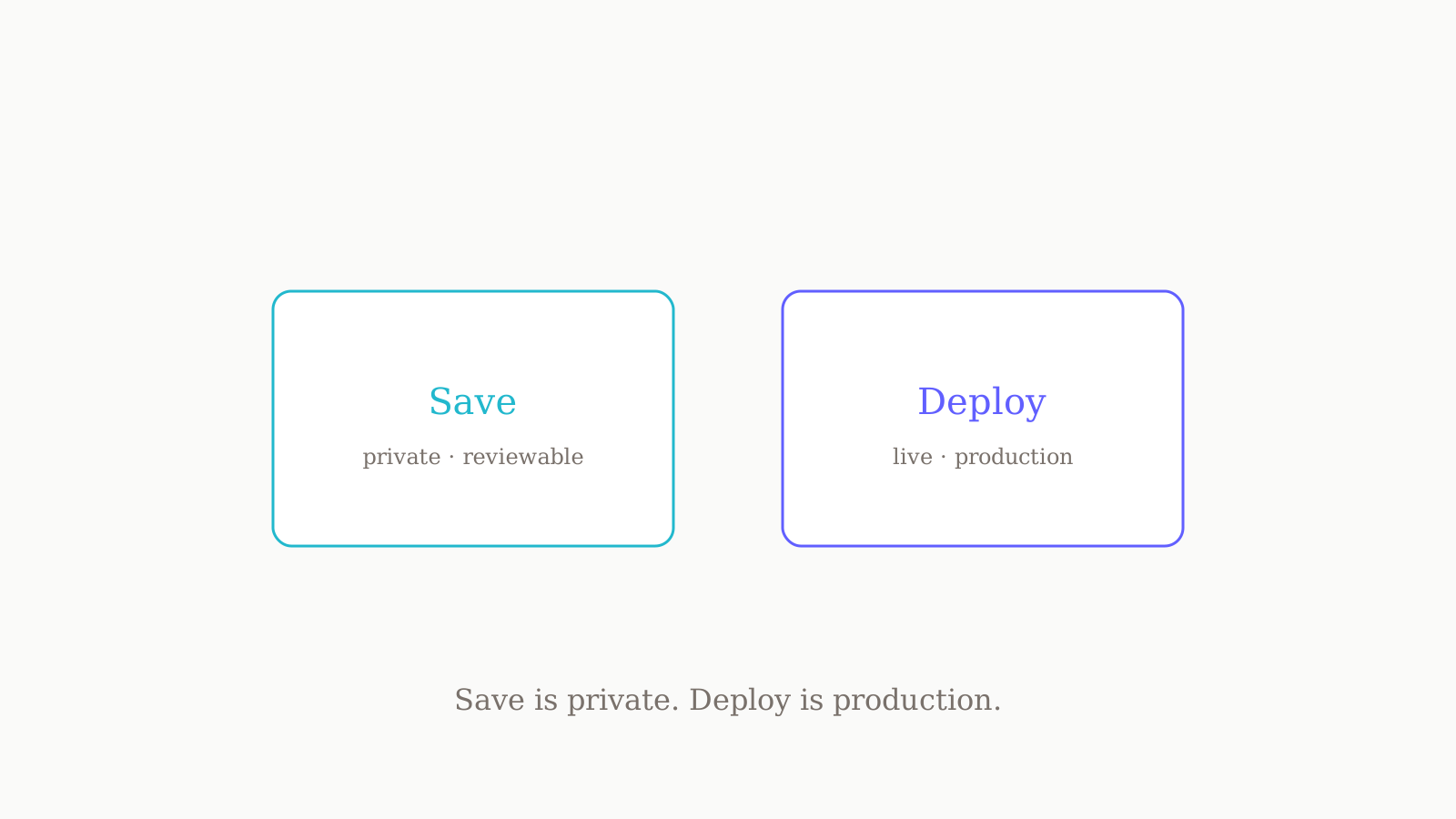
In Codex Sites, "save" and "deploy" are two separate stages, and confusing them is how a half-finished build reaches users. Saving builds a deployable version and ties it to its Git commit, but it is private — nothing goes live. Deploying publishes a saved version to a production URL. The mental model most people miss: there is no throwaway preview link, so every deployment is production and the save step is your review gate. This post covers both stages, the review pane between them, and a go-live checklist.
Why there's no preview URL
Most hosting tools hand you a preview URL — a disposable link on a staging subdomain you can poke at before promoting it. Codex Sites does not work that way, and that single inversion is the thing to internalise: every deployment URL is a production deployment. There is no quiet staging link your team sees by default; when you deploy, you publish to the audience you configured. That is not a missing feature but a deliberate choice that pushes the review earlier — into the save step.
So "how do I preview before going live?" has a specific answer: ask Codex to save a version without deploying it. A saved version is a real, built, deployable candidate you can inspect — it just is not live.
Save: a reviewable candidate
When you ask Codex to save a version, it builds the deployable site and associates it with the Git commit used for the build. The result is a deployment candidate: complete enough to ship, but not in front of anyone. Two properties make it useful as a review artifact:
- It is built, not hypothetical. A saved version is the actual artifact that would go live, so reviewing it is reviewing the real thing — not a guess about a future build.
- It is tied to a Git commit. Codex records the commit each saved version came from, so you always know which source produced it — and a later "deploy the version I reviewed on Tuesday" request is unambiguous.
You can also ask Codex to list or inspect saved versions — to orient yourself before deciding what to publish, and to find an earlier candidate when you want a known-good build instead of rebuilding. Saving early and often costs nothing, because saving never exposes anything.
Review what changed (the review pane)
Saving gives you a candidate; the review pane is where you scrutinise it. For Git-initialized projects, Codex shows source changes and any database migrations a version includes — both the code and the schema effects — before going live.
A few things the review pane lets you do:
- Scope the diff to uncommitted changes, all-branch changes, or just the last turn — so a big change set does not drown the one thing you need to check.
- Open files in the editor by clicking a filename in the diff, rather than squinting at a patch.
- Comment inline: hover a line and use the plus control to leave a comment.
- Stage, unstage, or revert at the diff, file, or hunk level, so you can drop one bad hunk without throwing away the rest.
The migrations view is the part worth slowing down for. An innocent-looking source diff can still carry a database migration that is not, and the review pane is where you catch that before it runs against production data. A migration you did not expect is your signal to stop and read, not deploy. The full behaviour is in OpenAI's Codex review pane reference.
Deploy: publishing to production
Deploying takes a saved version and publishes it. On success, Codex reports the production URL — live to whoever your audience setting allows. Only deploy when you intend that audience to access the site.
Two things deserve a deliberate decision before you deploy:
- Audience. Set who can reach the site — admins only, the whole workspace, or a custom set — before you share. A new site should stay limited until reviewed.
- Secrets. Environment variables and secrets are set through the Sites panel, never committed. Confirm they are in place first, or your live site will be missing configuration.
A typical deploy request for an existing project — naming the plugin so Codex treats it as a Sites job, not generic code generation — looks like this:
@Sites Deploy this project. Check whether it is compatible with Sites, make any required changes, and give me the deployment URL.
After the deploy, do not assume success: confirm the build status, load the production URL Codex reported, and check that only the intended audience can reach it before sharing.
Save vs deploy, side by side
The distinction in one table:
| Save | Deploy | |
|---|---|---|
| Is it live? | No — private, reviewable candidate | Yes — published to a production URL |
| What it ties to | The Git commit the build came from | A saved version you select to publish |
| What you get back | A deployment candidate to inspect | The production URL, reported on success |
| When to use it | To review a build before anyone sees it | When the selected audience should access the site |
| Reversibility | Free — saving exposes nothing | Live immediately to your audience setting |
The asymmetry is the lesson: saving is cheap and private, deploying is consequential and public. Lean on the cheap half.
A safe save → review → deploy checklist
The flow is short and worth following every time, in this order:
- Save the version you want to consider — build it without deploying.
- Confirm the build succeeded. A candidate that did not build is not a candidate.
- Open the review pane. Read the source diff and the database migrations, scoping the view as needed.
- Resolve what you find. Stage, revert, or comment at the hunk level; do not deploy around a change you do not understand.
- Check secrets and audience. Secrets set via the Sites panel, audience set to exactly who should see this.
- Deploy the specific saved version you reviewed — not a fresh, unreviewed build.
- Verify after deploy. Confirm status, load the production URL, confirm the audience, then share.
A quick honesty note: Codex Sites is a preview feature, free while in preview, so specifics can move — where a detail is not in the official docs, treat it as not documented yet. Keep the Codex Sites documentation and the Codex review pane reference open.
Where this fits
The save-versus-deploy gate only protects you if what you are shipping is the right thing — and that is a brief problem, not a deploy problem. Before we type @Sites, we draft the site brief in oran.chat and pressure-test it across GPT, Claude, and Gemini, branching the prompt instead of overwriting it so the spec that reaches Codex survived three sets of objections. Keeping one instruction set steady across those models is its own discipline — see our system prompt that works across GPT, Claude, and Gemini.
For the surrounding workflow, how to use Codex Sites covers the end-to-end loop, access control in Codex Sites goes deep on the audience settings this post only touches, and deploying an existing project to Codex Sites walks the compatibility path. For more, see Playbooks.