Which AI chatbots train on your conversations?
ChatGPT, Claude, Gemini, and Perplexity all train on consumer chats by default. None train on API traffic. Where each setting lives, and how to turn it off.

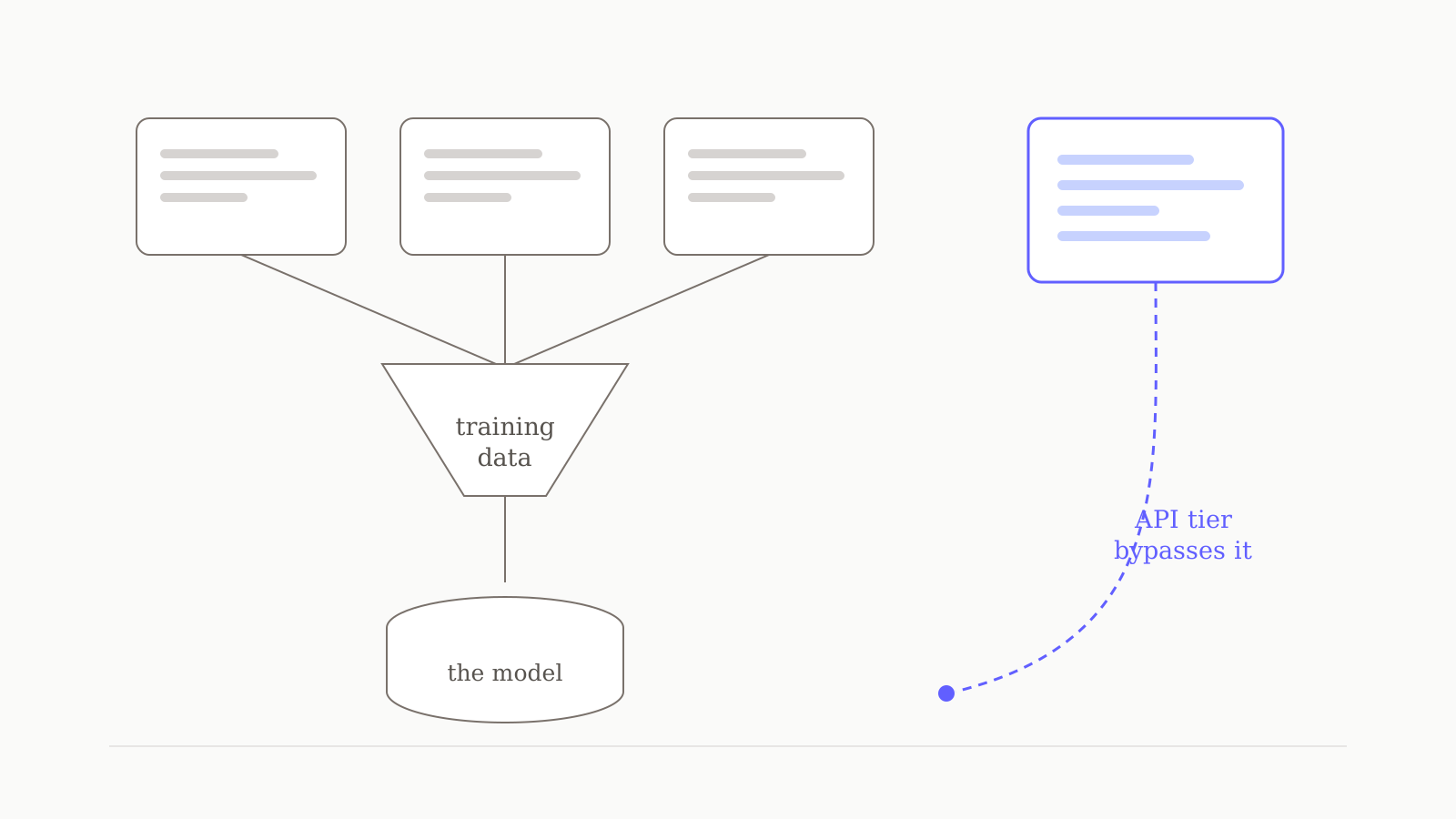
Every major AI assistant trains on your conversations on its consumer plan, and none of them train on business or API traffic. That is the single pattern worth understanding here: the protection you might assume you have is the one companies sell to enterprises. On a free or personal-paid plan with ChatGPT, Claude, Gemini, or Perplexity, your chats are training data by default — until you find the setting and turn it off. Here is exactly where each setting lives, what it does, and what it does not cover.
All claims below are drawn from each vendor's own published policy, linked inline. Last verified: 14 July 2026. These terms change — Anthropic's changed materially in 2025 — so check the source links before relying on any of it.
The short answer
| Consumer plans | Business / API | |
|---|---|---|
| ChatGPT | Trains by default (Free, Plus, Pro) | No training by default |
| Claude | Trains if you accepted; 5-year retention | No training (Work, Enterprise, API) |
| Gemini | Trains; human reviewers read samples | Not trained outside your domain |
| Perplexity | "AI Data Retention enabled by default" | Enterprise never used for training |
Read that table twice. The column on the right is what "we don't train on your data" actually looks like — and it is the column you are not in, unless you pay business prices or use a tool built on the API.
ChatGPT
On a personal plan, ChatGPT trains on your chats unless you stop it. OpenAI is direct about this: if you are on a "ChatGPT Plus, ChatGPT Pro or ChatGPT Free plan on a personal workspace, data sharing is enabled for you by default, however, you can opt out of using the data for training" (OpenAI Help Centre).
To turn it off: Profile → Settings → Data Controls → Improve the model for everyone → off. It applies account-wide, on every device.
Two things that setting does not cover, both of which people miss:
- Feedback overrides it. OpenAI states that even if you have opted out, if you click thumbs-up or thumbs-down on a response, "the entire conversation associated with that feedback may be used to train our models" (OpenAI Help Centre). The rating button is a training opt-in.
- Temporary Chat is separate — and stricter. Chats started in Temporary Chat "won't appear in history, use or create memories, or be used to train our models." If you want a one-off private question, that is the cleanest route.
Business, Enterprise, Edu, and the API are the other side of the line: "By default, we do not train on any inputs or outputs from our products for business users."
Claude
Claude is the interesting case, because it used to be the exception and is not any more.
Until 2025, Anthropic did not train on consumer conversations at all. That changed with an update to the consumer terms: from 8 October 2025, Claude Free, Pro, and Max users (including Claude Code used from those accounts) must make a choice on the model-training setting to keep using Claude.
The consequence of that choice is the part to pay attention to — it is not just about training, it is about how long your data lives:
- Allow training → Anthropic retains the data for five years.
- Decline → you keep the existing 30-day retention window.
Deleting a conversation means it will not be used for future training. And the five-year window also applies to any feedback you submit on Claude's responses.
To check or change it: Settings → Privacy → Privacy Settings. You can change your choice at any time.
Excluded entirely: Claude for Work, Claude for Government, Claude for Education, and API use — including through Amazon Bedrock and Google Vertex AI. None of those are used for training.
If you accepted the update quickly when the dialog appeared, it is worth going and looking at what you actually agreed to. A lot of people clicked the large accept button without registering that there was a toggle underneath it.
Gemini
Google's disclosure is the bluntest of the four, and it is worth quoting rather than paraphrasing. From the Gemini Apps privacy notice:
Human reviewers (including trained reviewers from our service providers) review some of the data we collect for these purposes. Please don't enter confidential information that you wouldn't want a reviewer to see or Google to use to improve our services.
That is not a dark pattern — it is Google telling you plainly that a person may read your chat. The control is Gemini Apps Activity (at myactivity.google.com), which governs whether your data is used to improve Google's AI and lets you set an auto-delete period.
The important caveat: turning it off does not make Google stop processing your chats entirely. Even with the activity setting off, Google states it "still uses your chats to respond to you and help protect Google, our users, and the public, including with help from human reviewers."
Google Workspace is the business exception, and the language is much stronger: your content "is not human reviewed or otherwise used for Generative AI model training outside your domain without permission."
Perplexity — and "is Perplexity safe?"
This question gets asked a lot, so let us separate the two things people mean by it.
Is Perplexity a legitimate, secure company? Yes. It maintains SOC 2 Type II attestation, and its enterprise tier addresses GDPR and HIPAA obligations depending on sector.
Are your searches private on a consumer plan? No, not by default. Perplexity's own help centre is explicit: for Free, Pro, and Max users, "AI Data Retention is enabled by default," and some data "may be used to train AI models and improve search quality, unless you opt out through Account Settings" (Perplexity Help Centre).
To turn it off: Account Settings → AI Data Retention → off.
Perplexity Enterprise data is "never" used for AI training, and the Sonar API operates a zero-data-retention policy. Same pattern as everyone else: the business tier gets the protection.
Worth knowing separately: the Comet browser has its own privacy notice and its own data collection, distinct from the core assistant. If you use Comet, read that one too.
The pattern nobody says out loud
Line the four up and the structure is identical every time.
Consumer tier: your conversations train the model by default. There is a setting. It is not on the main settings page. You have to know to look for it.
Business tier: no training, contractually. Often a DPA, often SOC 2, often zero retention.
The privacy you would assume is the baseline is, in practice, a paid enterprise feature — and the free tier is priced the way it is partly because you are supplying the training data. That is a legitimate trade, and for plenty of people it is a perfectly good one. What is not reasonable is that the trade is opt-out rather than opt-in, and that the opt-out is buried three menus deep.
If you take one action after reading this, make it this one: go and look at the setting on whichever assistant you actually use. Most people have never opened it.
Where oran.chat sits
Straight answer, including the parts that are not flattering.
oran.chat is built on the API tier of OpenAI and Anthropic — the right-hand column of that table. That is not a policy we wrote; it is a consequence of the architecture. API traffic is not trained on by default, so your conversations are not training data at either provider, and we do not train any model on them ourselves. You get the no-training default without paying enterprise prices for it. That is the honest version of the privacy claim, and it is the only one we will make.
What we do not offer, and will not pretend to: there is no DPA, no subprocessor list, no SOC 2 report, no data-residency guarantee, and no team plan. If you are procuring AI for a company with a compliance function, we are not yet the right answer, and you should look at the business tiers above. If you are one person who would simply rather not have your chats become training data, the API-tier default does that job.
Our privacy policy says the same thing in more detail, including the parts about analytics and advertising on the marketing site. You can read it before you sign up, which is the correct order.
Where this fits
This is the privacy piece of our Comparisons cluster. For the broader landscape of what to use instead of a default assistant, the pillar is The 7 best ChatGPT alternatives in 2026 (tested). If you are specifically weighing Perplexity, see the best Perplexity alternatives. And for keeping the useful parts of memory without over-sharing, our playbook on AI memory and privacy covers the settings that decide what gets stored in the first place.